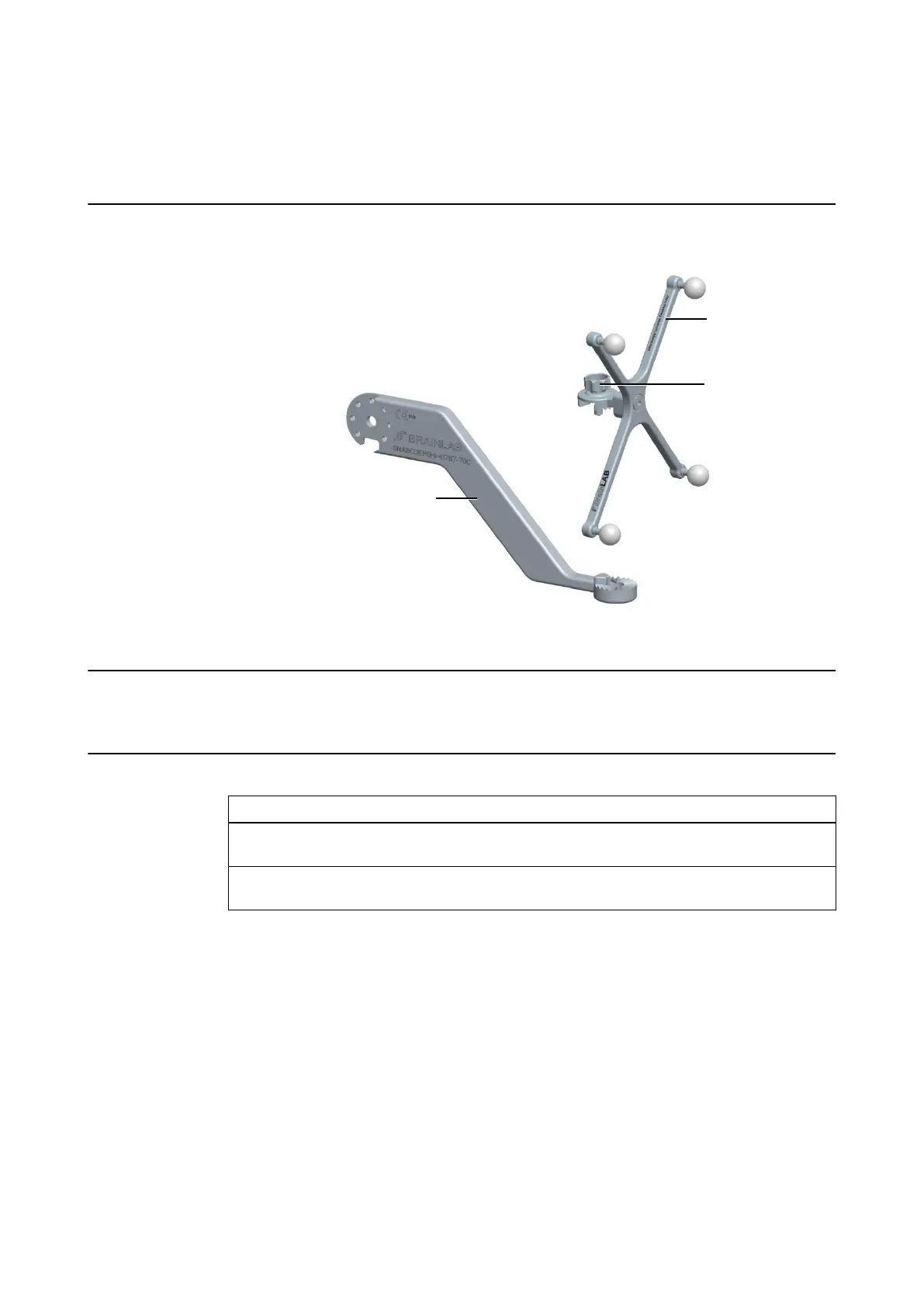
9.4 Attaching the Microscope Tracking Array
(41767-19) to the Microscope Adapter
Illustration (Example)
Figure 68
Related Links
9.4.2 Available Microscope Adapter Kits on page 114
How to Attach the Array
Step
1. Pierce the drape and place the sterile microscope tracking array ② on the microscope
adapter ① so that teeth of array match teeth of adapter.
2. Attach microscope tracking array to microscope adapter and tighten fixation screw ③.
Make sure that the screw connection is secure.
NOTE: You can attach the microscope tracking array either in the standard or 90° position,
depending on the individual OR setup.
NOTE: Make sure that the microscope tracking array is securely attached to the microscope
adapter prior to each treatment.
MICROSCOPES
Instrument User Guide Rev. 2.3 Cranial/ENT Optical 113



 To Next Page