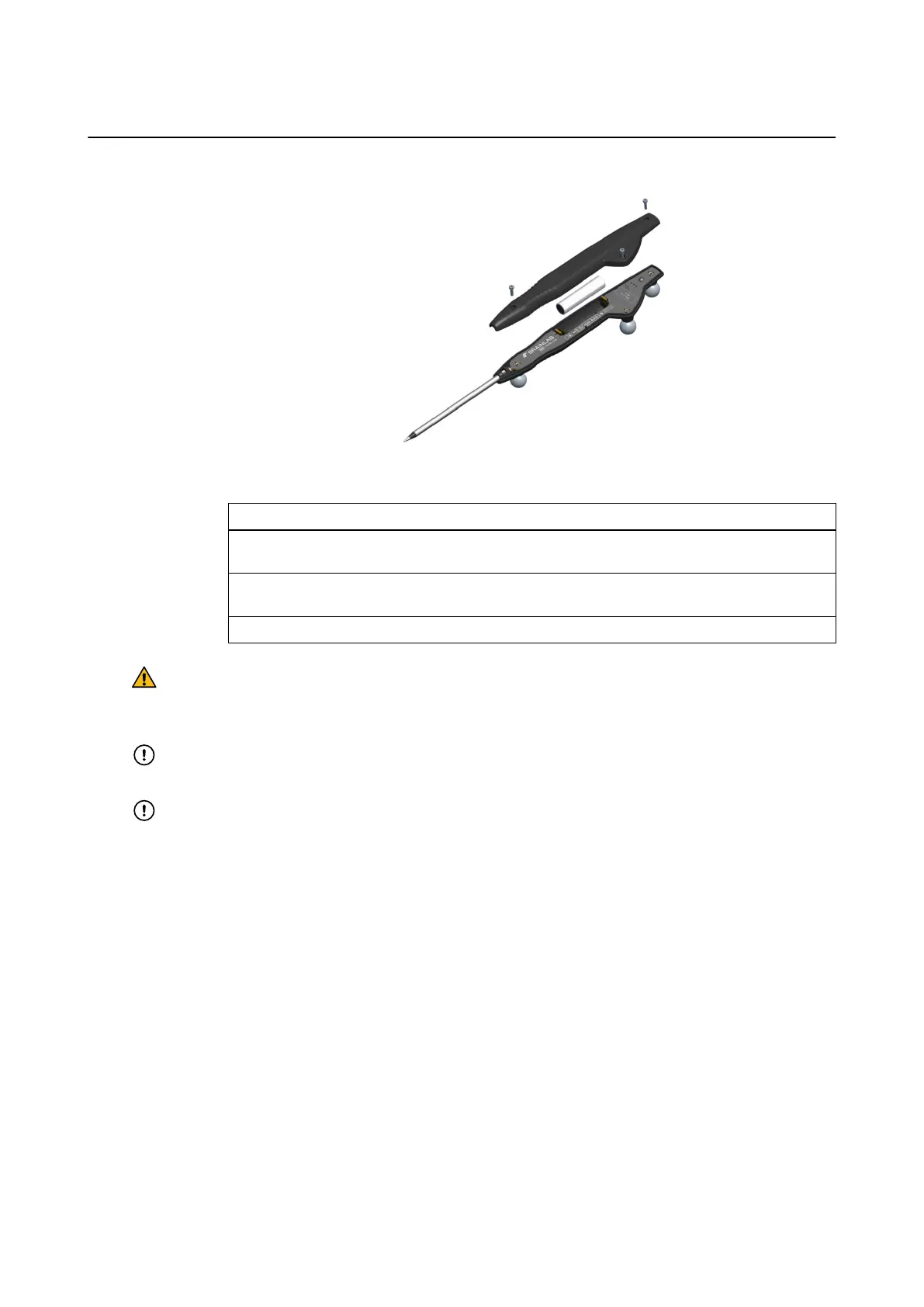
Battery Replacement
Figure 17
Step
1. Unscrew the three screws with the Torx screwdriver (size TX6) provided in the storage
case.
2. Remove the lower housing and exchange the battery with a new battery. Make sure to in-
sert the battery with the correct polarity as indicated on the label.
3. Attach the housing again and make sure to tighten all the screws with moderate force.
Warning
Do not change the Softouch battery within patient surroundings or while in contact with a
patient.
During the battery exchange, make sure that no liquids ingress into the inside of the
pointer housing.
Lithium batteries must be compliant with IEC 60086-4.
NOTE: The only service available for Softouch is the replacement of the battery. Dispose of the
pointer and/or the battery separately, according to your organization’s rules and local legislation.
Softouch Pointer
42 Instrument User Guide Rev. 2.3 Cranial/ENT Optical



 To Next Page