Step
4. If applicable, drape the probe and adapter.
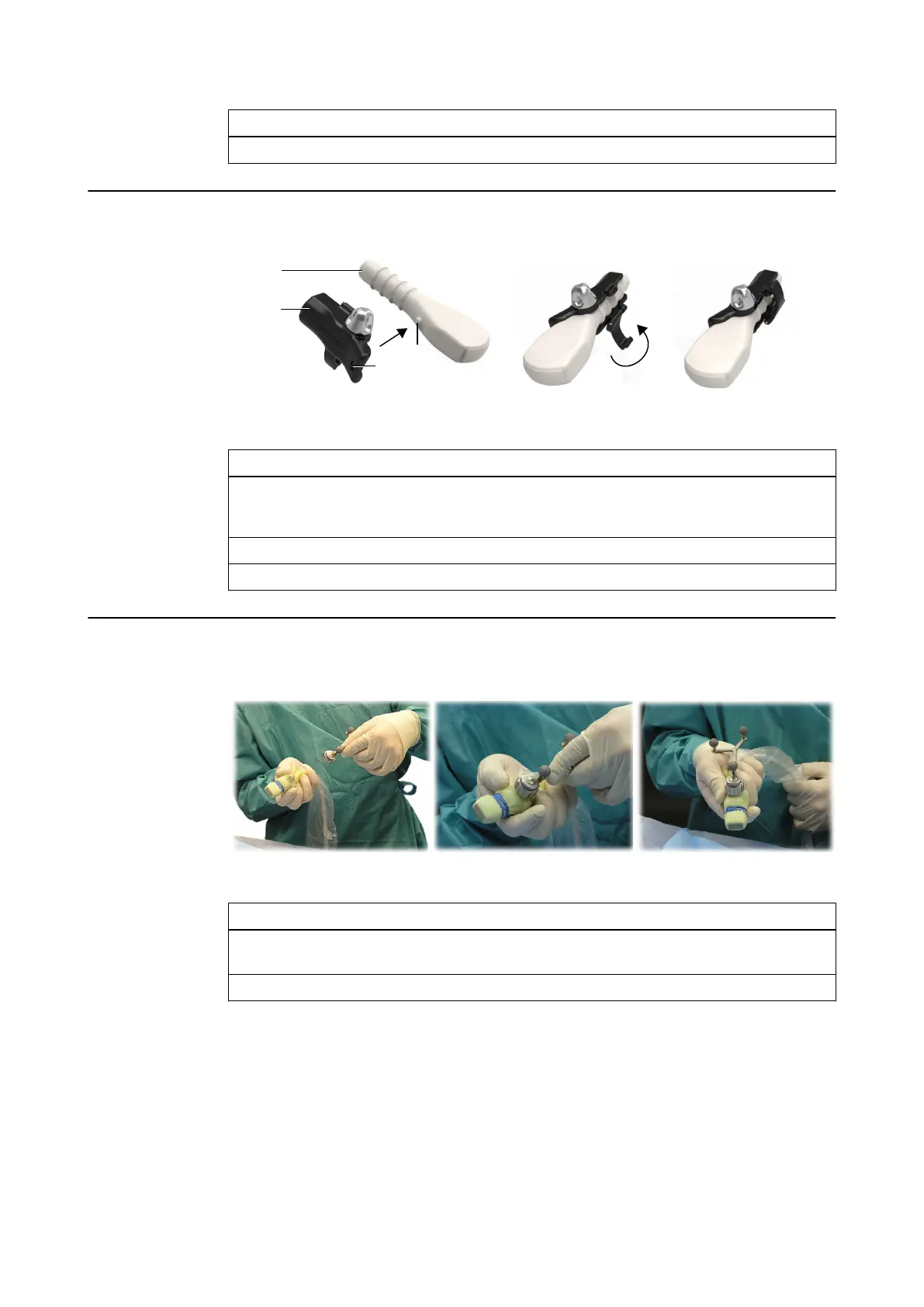
How to Attach the Unique Fit Aloka Adapter Base
Figure 46
Step
1. Slide either the Adapter Base for UST 987/9104/9120 (Aloka) or Ultrasound Integra-
tion Adapter Base (Aloka UST-9133) ① over the probe ②. Make sure that the ball on
the probe ③ fits in the hole on the base ④.
2. Secure the adapter by closing the clip ⑤, making sure to tightly lock the catch ⑥.
3. If applicable, drape the probe and adapter.
How to Attach the Adapter Array to the Adapter Base
Figure 47
Step
1. Place the sterile array onto the draped adapter base ①. Align the array so that the teeth
of the adapter array match the indentations of the adapter ②.
2. Securely tighten the fixation nut by turning it clockwise ③.
NOTE: If you remove the adapter array from the probe, the adapter array and the drape become
unsterile. To continue navigation, a new sterile drape and a new sterile adapter array must be
used.
NOTE: If the drape between the adapter base and the adapter array is wrinkled, smooth it by
hand before mounting the tracking array.
ULTRASOUND
Instrument User Guide Rev. 2.3 Cranial/ENT Optical 89



 To Next Page