Brocade MLX Series and NetIron XMR Hardware Installation Guide 117
53-1003821-01
Installing a Brocade MLX-32 router
2
Installing power supplies in a Brocade MLX-32 router
High Touch Current. Earth connection is essential before connecting supply.
Follow these steps to install a power supply in a Brocade MLX-32 router.
1. Remove the blank power supply faceplate.
2. Remove the power supply from the packaging.
3. Insert the power supply into the slot, using the guides on each side of the slot.
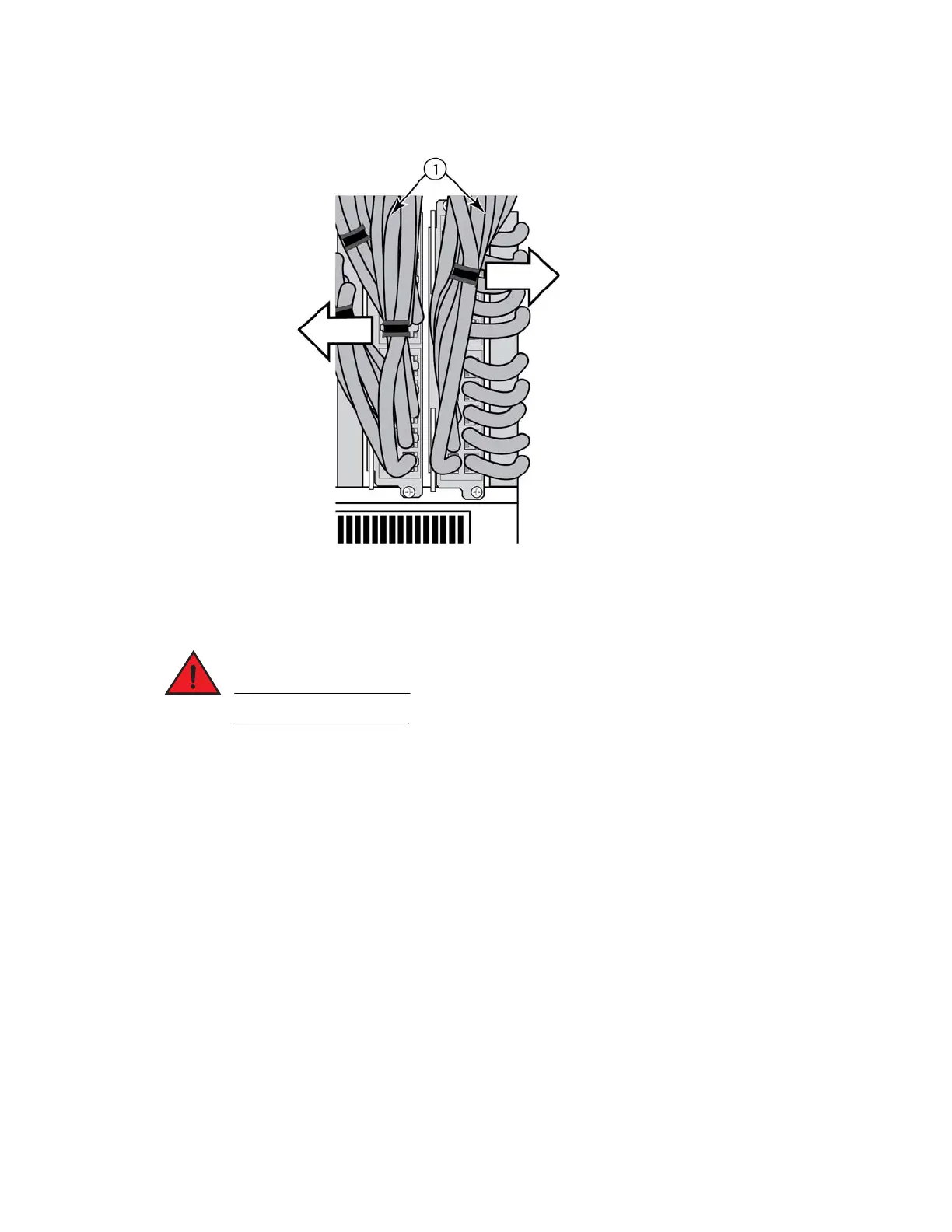
FIGURE 84 Installing a power supply in a Brocade MLX-32 router
1 Cable bundles



 To Next Page
 Loading...
