Operation Manual
FT1020G3 Rev 2.4
51
To reset fire alarms, see chapter "Alarm reset", page 58.
Entering the Menus during Fire Alarm
By pressing the soft key "Menu" (P5) during fire alarm, you will get access to the menu
system (see Access, page 33).
Note: Access code is required, in this case, part of the display's alarm window will be
temporarily suppressed to permit the display of the menu system.
H3 Set calendar and clock
H7 Perform ZONE TEST ("Test mode")
H9 Interlocking outputs and inputs
The normal alarm window will be automatically displayed again after the menu system is
left as escaped or 5 minutes after the latest manoeuvre in the menu system.
The alarm window will also be automatically displayed again if any of the soft keys "Esc
menu" (P5) or "ESC" is pressed or push button "SEVERAL ALARMS" (P9).
Test Mode Alarm
Regarding Test mode, see chapter "Perform Monthly Test (H1)", page 91 and chapter
"Perform Zone Test (Test mode) (H7)", page 129.
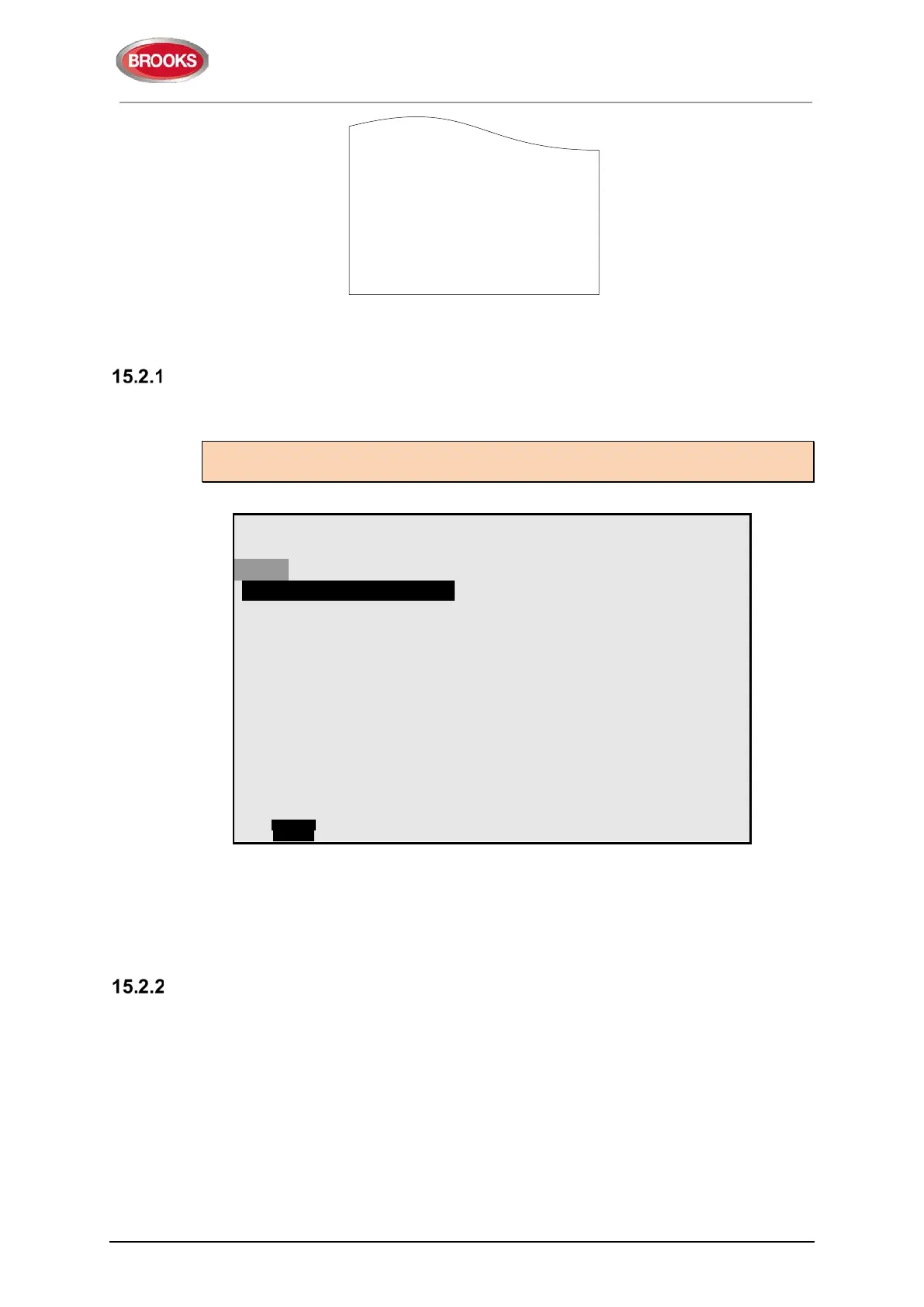
When an alarm point in a zone set in test mode is tested, it is presented in the display as
a fire alarm but with the information "Test mode" added. If a printer is available the test
mode alarm will be printed with the information "(test mode)" added.
No outputs will be activated except the fire door outputs. The test mode alarm will be
automatically reset after approx. 10 seconds.
Zone 002 Address 03
SMOKE
DD-MM-YYYY hh:mm
User definable alarm text (if



 To Next Page