Programmer
165
Chapter 3 Programming with Command Function
Creating a circle (zigzag circle) by specifying the diameter
Command to be used
LI
2
1
Creating a circle clockwise. Input the overlap stitch counts in
Values 0 - 9 are available for input.
LILI
2
2
Creating a circle counterclockwise. Input the overlap stitch
counts in . Values 0 - 9 are available for input.
M
7
Input this command to create a zigzag circle. Input the width of
zigzag in
.
"Creating a circle (zigzag circle) by specifying 3 points"
(Refer to page 163.)
M
Input this command to create a zigzag circle. Input the zigzag
stitch length in
.
"Creating a circle (zigzag circle) by specifying 3 points"
(Refer to page 163.)
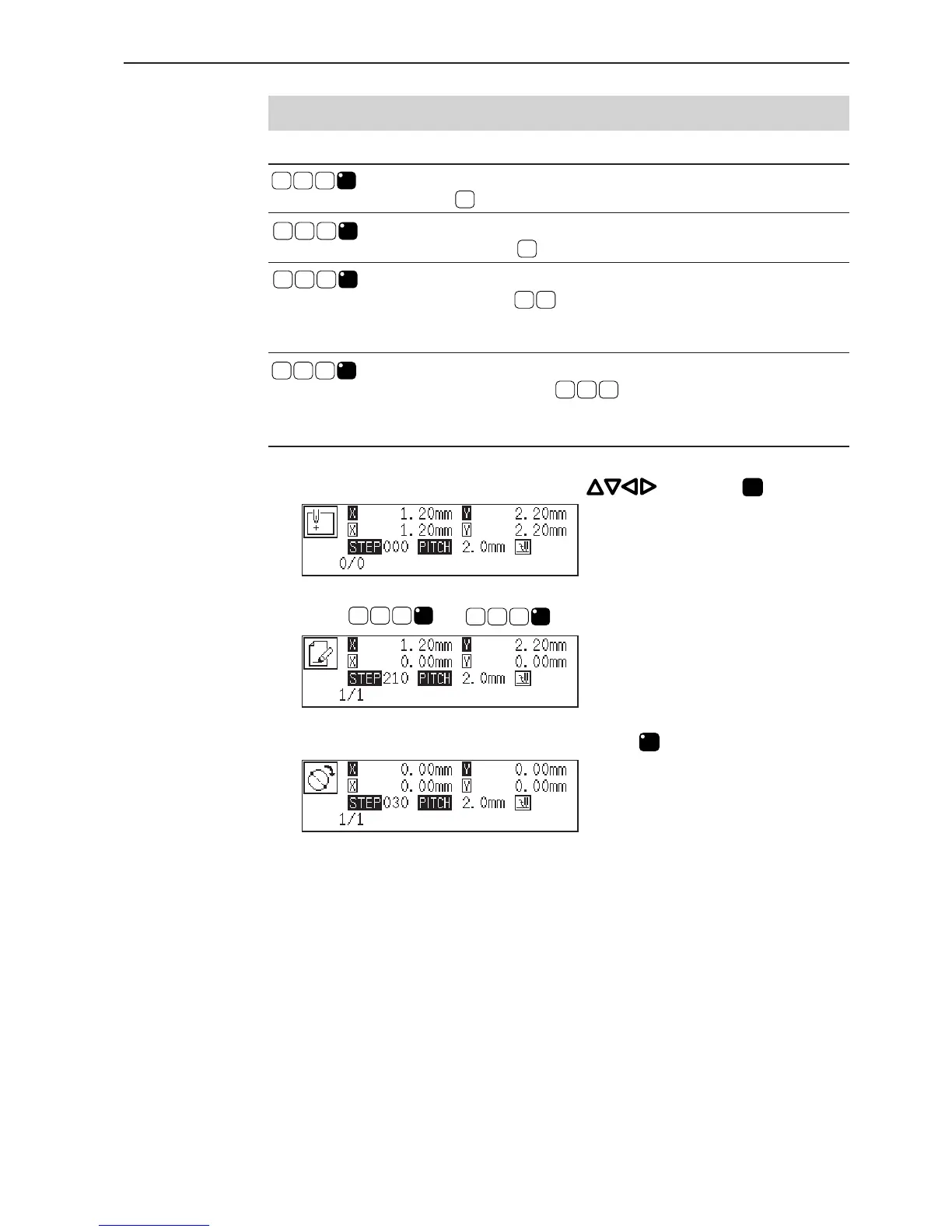
1. Select the sewing start position with and press
L
.
2. Input
LILI
2
1
or
LILI
2
2
.
3. Input the stitch length in 3 digits and press
LILI
.



 To Next Page