Programmer
46
Chapter 2 Programming with Help Function
2. Select with and press .
3. Input the data number and press .
4. Press
ESCESC
.
4
Ending program
1. Press
P
.
Zigzag stitch
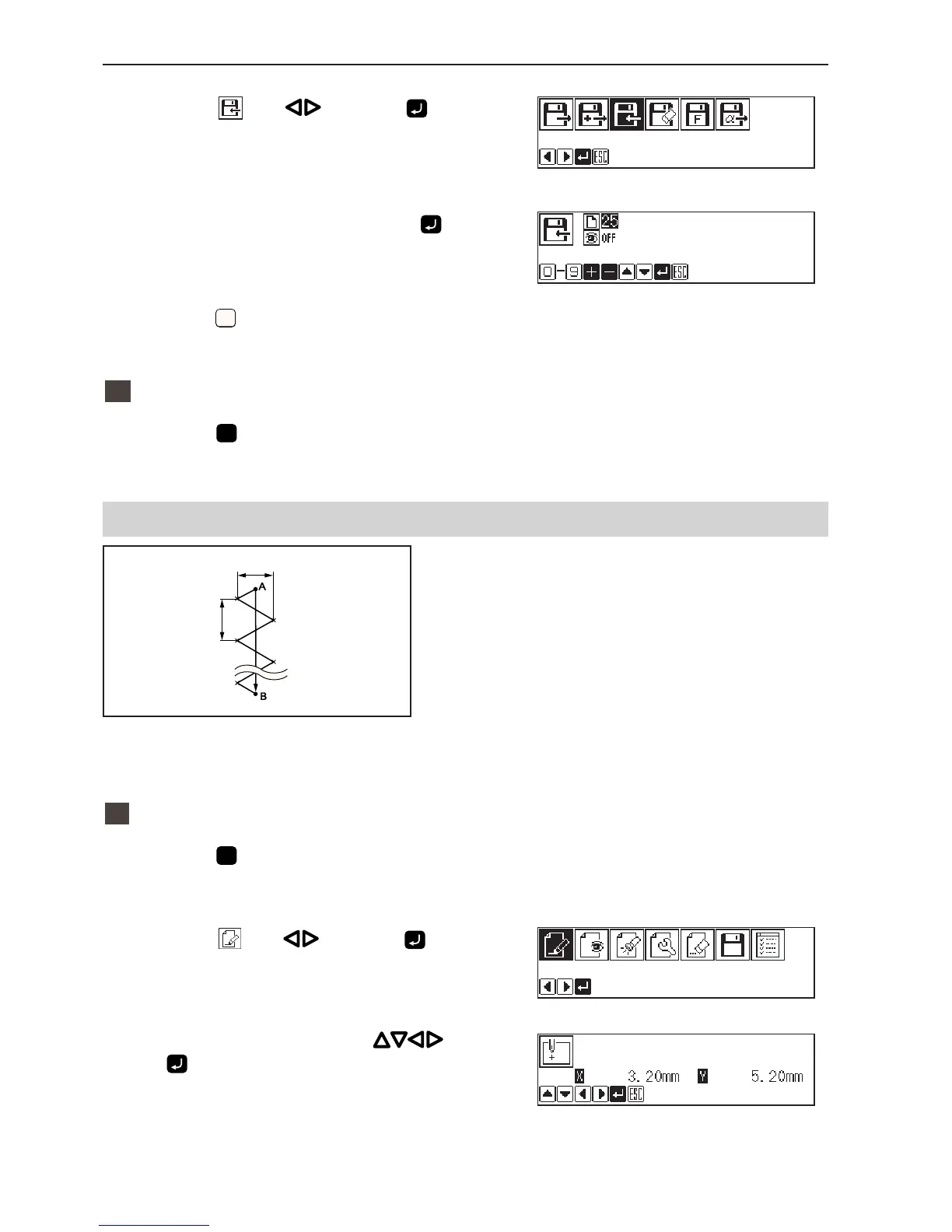
Zigzag stitch is programmed. The example in the left
is used for explanation of even width of zigzag stitch
on the sewing path.
Zigzag with curves may be programmed.
1
Programming
1. Press
P
.
The work clamp moves to the home position and the
programmer screen is displayed.
2. Select with and press .
3. Move the work clamp with
. Press
when the needle point is at point A of the
pattern.
The first stitch (point A) is programmed.
Zigzag width
Stitch
length



 To Next Page