Programmer
150
Chapter 3 Programming with Command Function
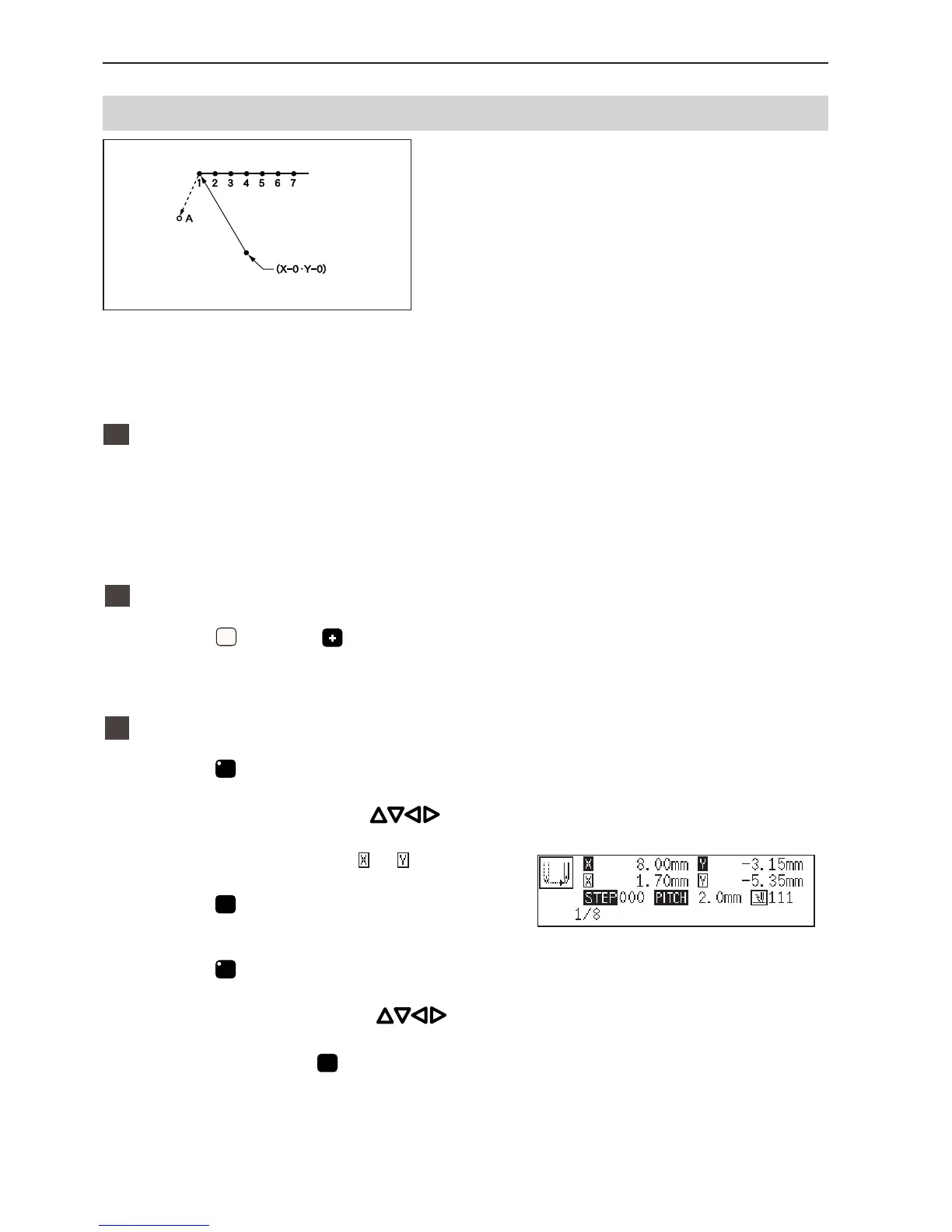
Adding escape point before the first stitch
An escape point is added before the sewing start
position. The example in the left is used for
explanation of setting escape point A.
The escape point is a provisional point provided for prevention of the work clamp interference with the needle or
the bar leg when the work clamp is lifted at the start point.
1
Calling data
1. Specify the program number on the
operation panel and press the read/write
switch to read the data.
2
Moving to position 1.
1. Press
1
and press .
The work clamp moves to the start position.
3
Programming a new point.
1. Press
F
.
2. Move the work clamp with
so that
the needle point is at A of the pattern.
Record the coordinates (values of and ).
3. Press
L
.
A is programmed.
4. Press
F
.
5. Move the work clamp with
to the
opposite position of coordinates recorded
in step 2 and press
L
.



 To Next Page