Programmer
182
Chapter 3 Programming with Command Function
Rotating a pattern clockwise (counterclockwise)
Command to be used
M
6
6 6
Rotating clockwise
M
6
6 7
Rotating counterclockwise
This function is available only when the needle is at the home position.
Values of 1 - 359 degrees are available for input.
1. Make sure that the needle is at the home position.
Press
R
if the needle is not at the home position.
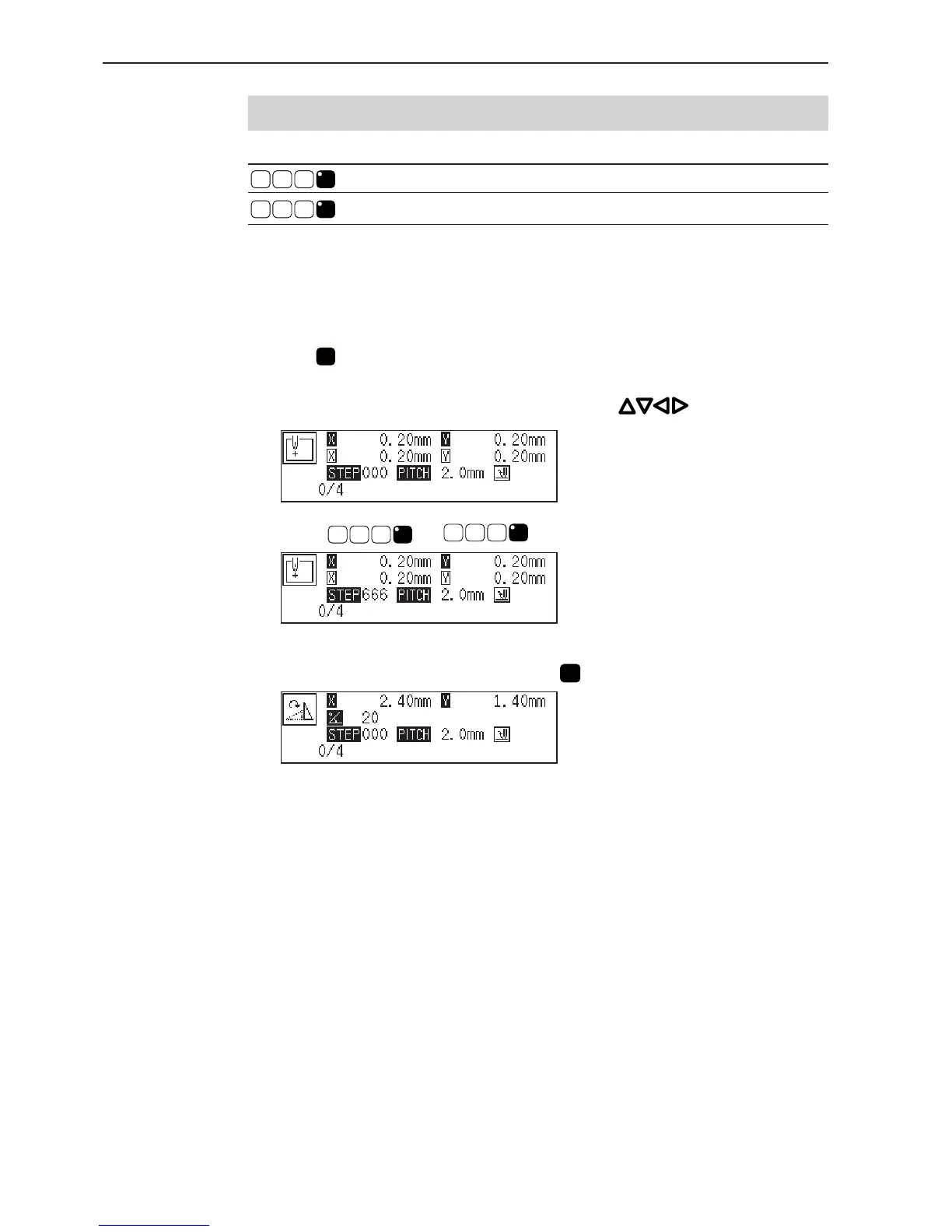
2. Determine the center point for rotation with .
3. Input
M
6
6 6
or
M
6
6 7
.
4. Input the angle in 3 digits and press
L
.



 To Next Page