Programmer
19
Chapter 2 Programming with Help Function
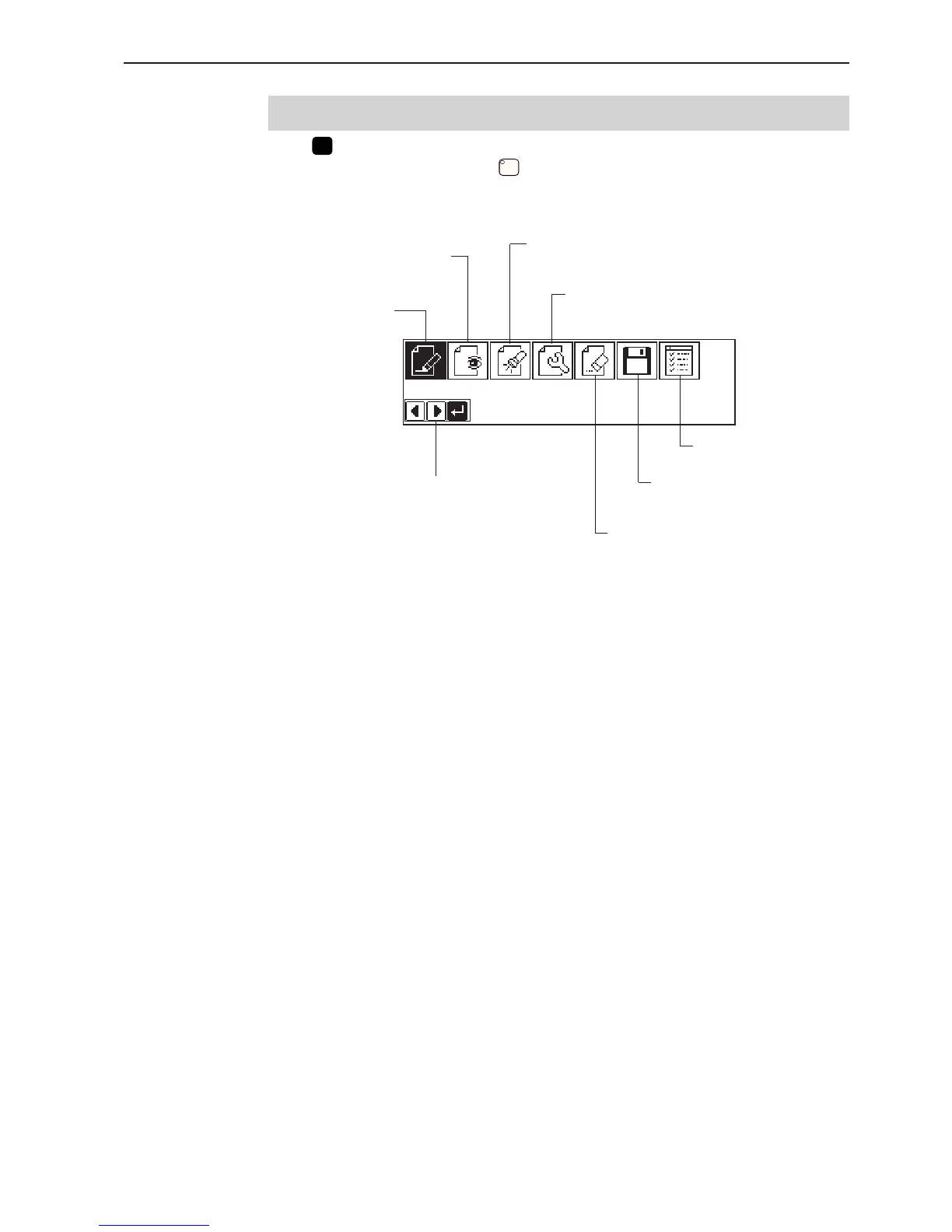
Display screen
When
P
is pressed, the following screen is displayed.
If the screen is not displayed, press
.
Creates program data.
(Refer to page 83.)
Reads/writes data in a floppy disk.
(Refer to page 210.)
Deletes the created/edited
program data.
Carries out the preference setting
of the programming machine.
Displays the available keys.
Displays the image of program data.
(Refer to page 106.)
Edits the program data.
(Refer to page 111.)
Checks the program data or
changes the setting.
(Refer to page 107.)



 To Next Page