Programmer
83
Chapter 2 Programming with Help Function
Programming
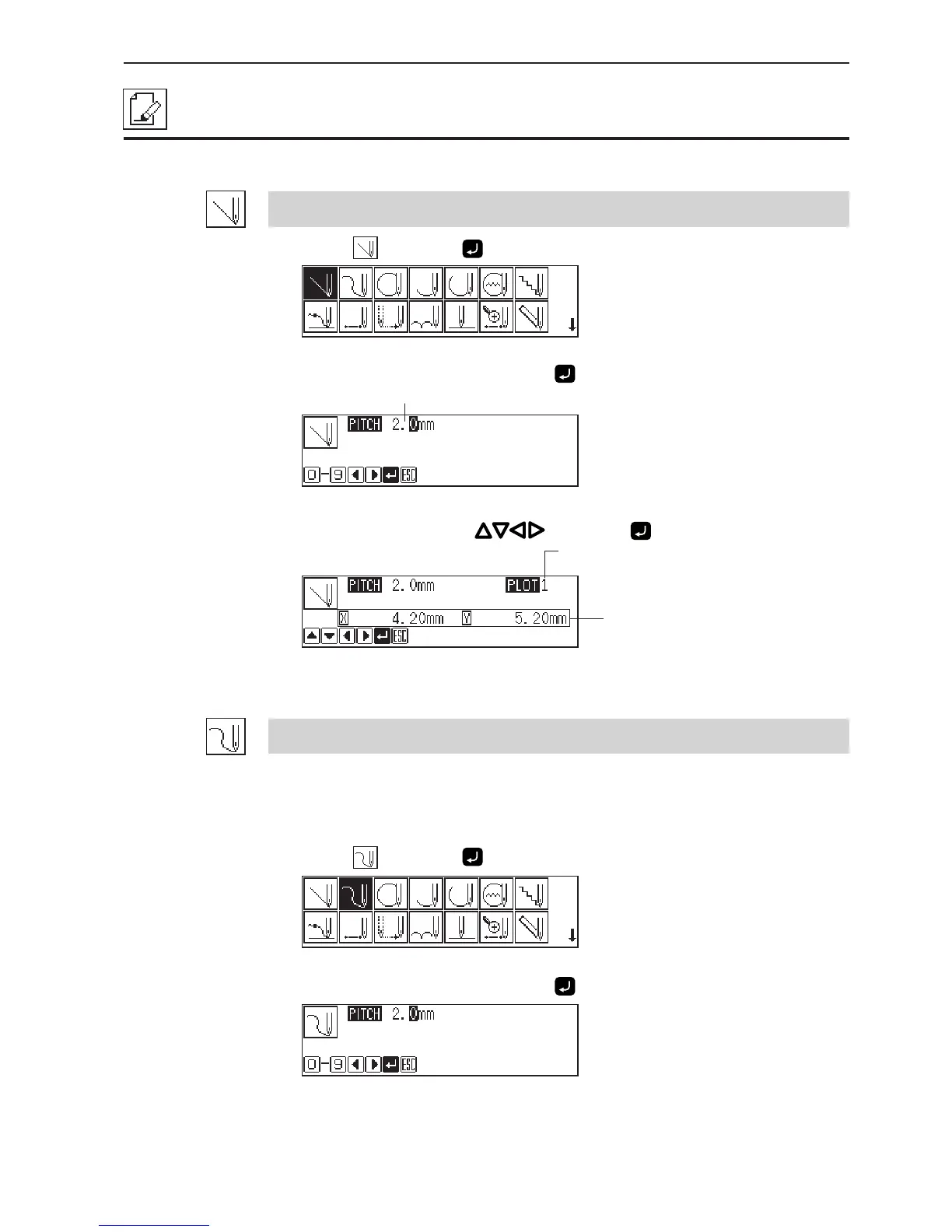
Creating a line
1. Select and press .
2. Input the stitch length and press .
3. Move the needle with and press .
Creating a curve
Increase the number of plotting points to create a smoother curve.
One to 99 points are available for plotting.
1. Select
and press .
2. Input the stitch length and press .
Distance from the previous point in the
direction of X or Y axis
Remaining plot count
Stitch length



 To Next Page