Programmer
32
Chapter 2 Programming with Help Function
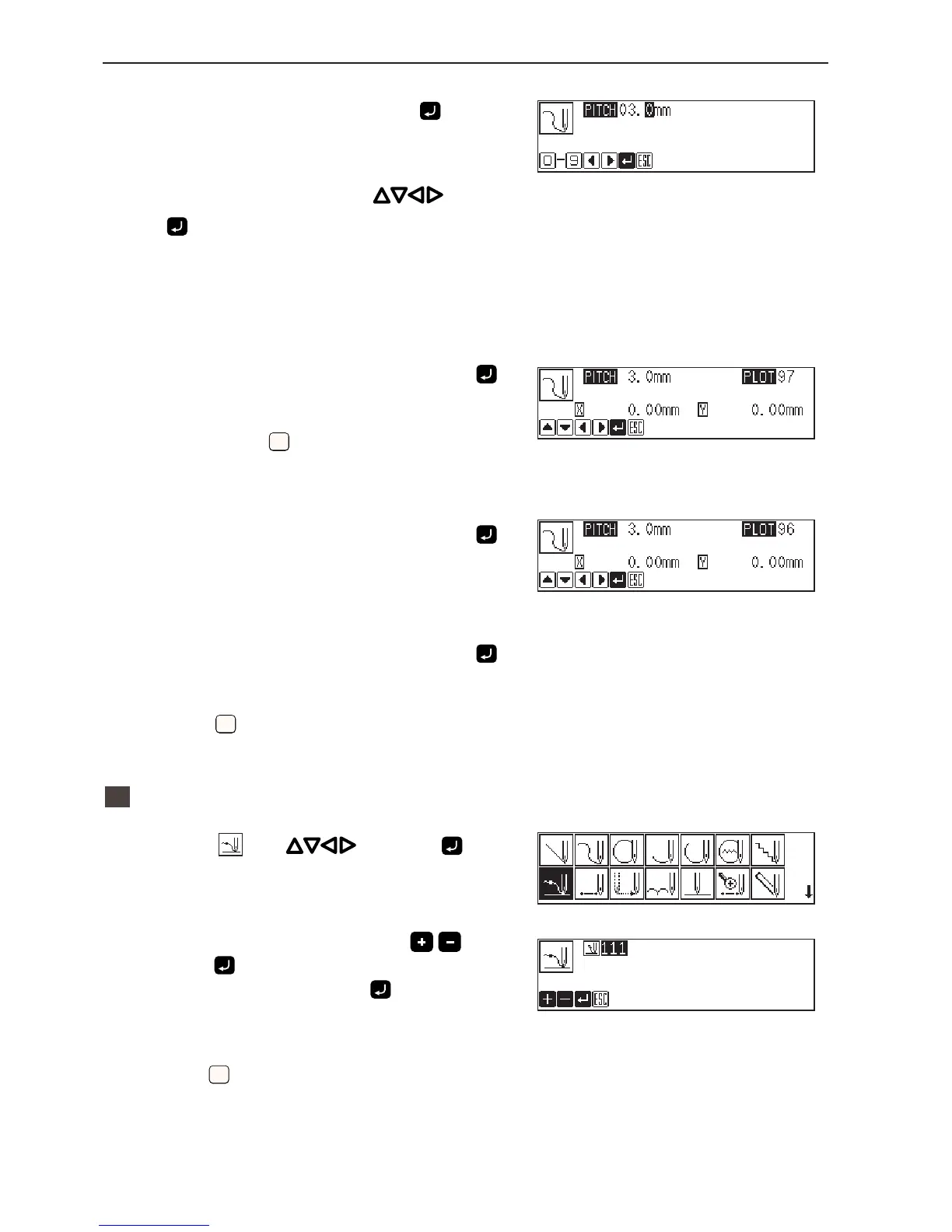
5. Input the stitch length and press .
3.0mmisinputintheexample.
Input030tomakethestitchlengthto3.0mm.
6. Move the work clamp with . Press
when the needle point is at point B of the
pattern.
7. Repeat step 6 and create the program to
point C.
8. When point C is programmed, press
again.
PointCbecomesacornerandisprogrammed.Tochangethe
stitchlength,press
ESCESC
forresetting.
9. Create the program to point E.
10. When point E is programmed, press
again.
11. Create the program to point I.
12. When point I is programmed, press
again.
13. Press
ESCESC
twice.
2
Inputting the end code
1. Select with and press .
2. Select the end code type with
and
press
.
"111"isselectedintheexample.Press andtheworkclamp
returnstothefirststitch (pointA) .
3. Press
ESCESC
.
Theworkclampreturnstothehomeposition.



 To Next Page