Programmer
73
Chapter 2 Programming with Help Function
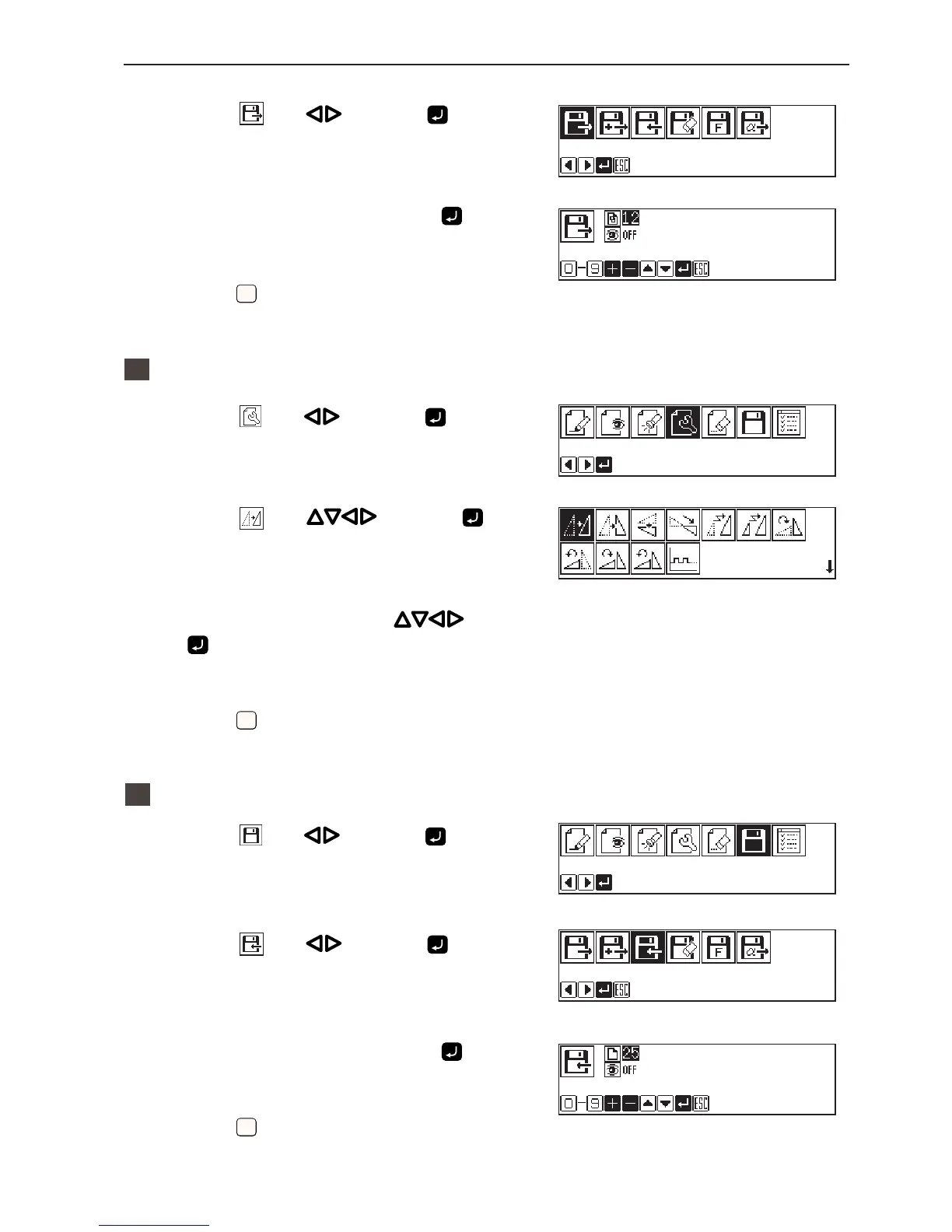
3. Select with and press .
4. Input the data number and press
.
5. Press
ESCESC
.
2
Moving
1. Select with and press .
2. Select
with and press .
3. Move the work clamp with
. Press
when the needle point is at point A of the
pattern.
4. Press
ESCESC
.
3
Saving
1. Select with and press .
2. Select
with and press .
3. Input the data number and press
.
4. Press
ESCESC
.



 To Next Page