SMART KTF 2000 OPERATION
- 3-2 - SMART KTF 2000
1. ENTER button
It allows to activate the function selected from the menu (indicated by the
symbol
>), to move to the programming of the displayed function or to confirm the
setting value displayed on the messages screen.
2. RESET button
It allows return to the previous level of the menu (next upper level), without
continuing with the currently selected function, or without confirming the value of
a setting entered by mistake.
3. NEXT CY button
During navigation within the menus this button allows selection of next option
in the same menu level; this button has a cyclical function in the sense that
when the last choice from the menu has been selected, it returns to the first
option of the same menu.
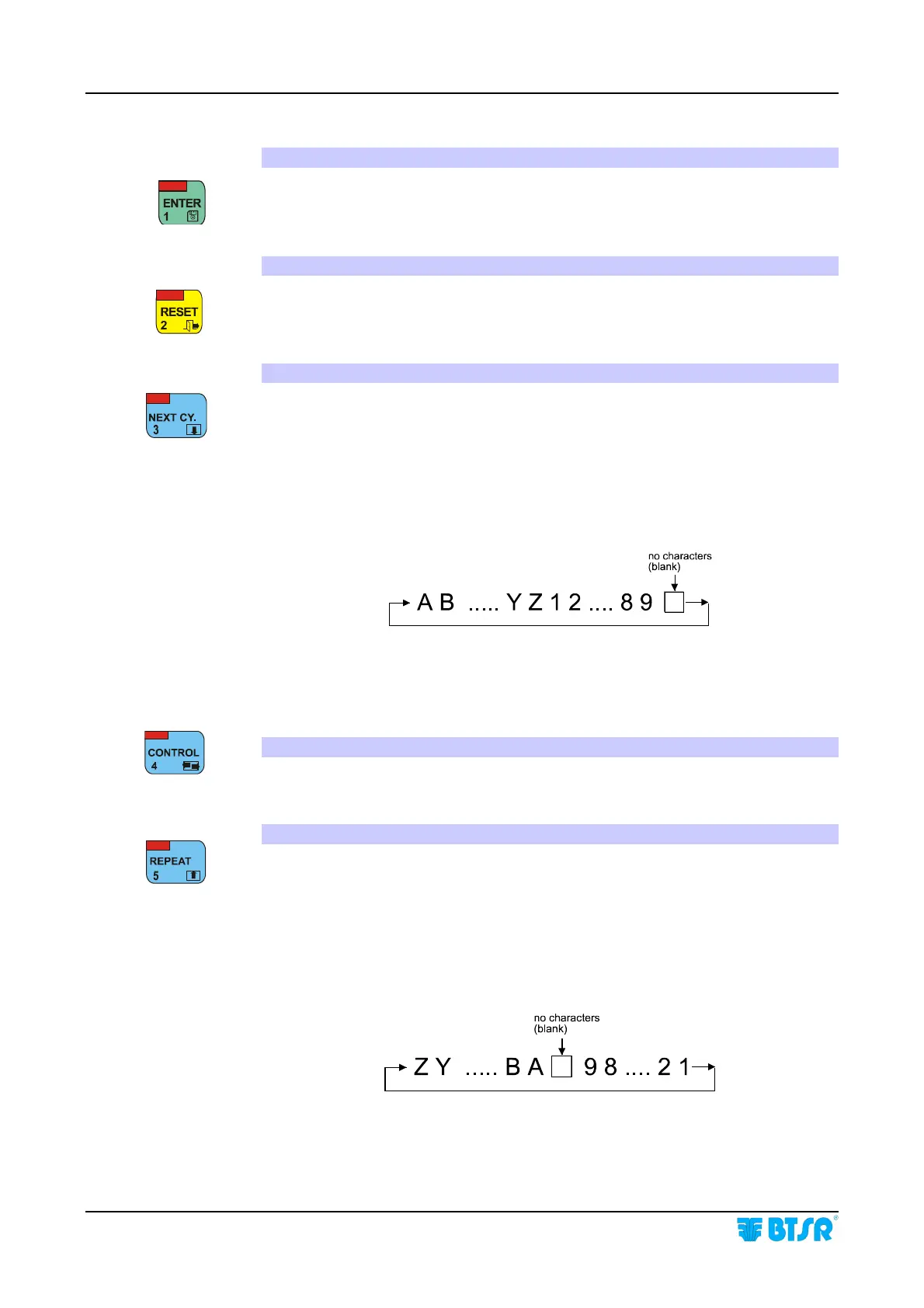
When alphanumeric data are entered (for instance the Article Name or Keycode
access), this button allows the increase of characters displayed where the cursor
is located, according to the following cyclic sequence:
When entering numeric data (for example the number of devices) it allows the
increase of numeric value of the field. If it is held down continuously the
numeric field increments more rapidly.
4. CONTROL Button
During parameter programming, it allows changing the position of the cursor.
5. REPEAT button
During navigation within the menus selection of the previous choice is allowed
while remaining inside the same menu level. This button has a cyclical function
in the sense that when the first choice of menu is selected it returns to the last
option of the same menu.
When alphanumeric data are entered (for instance the Article Name or Keycode
access), this button allows the decrease of the characters displayed where the
cursor is positioned, according to the following cyclic sequence:
When entering numeric data (for example the number of devices) it allows the
decrease of numeric value of the field. If it is held down continuously the
numeric field decrements more rapidly.










 To Next Page