SMART KTF 2000 OPERATION
SMART KTF 2000 - 3-3 -
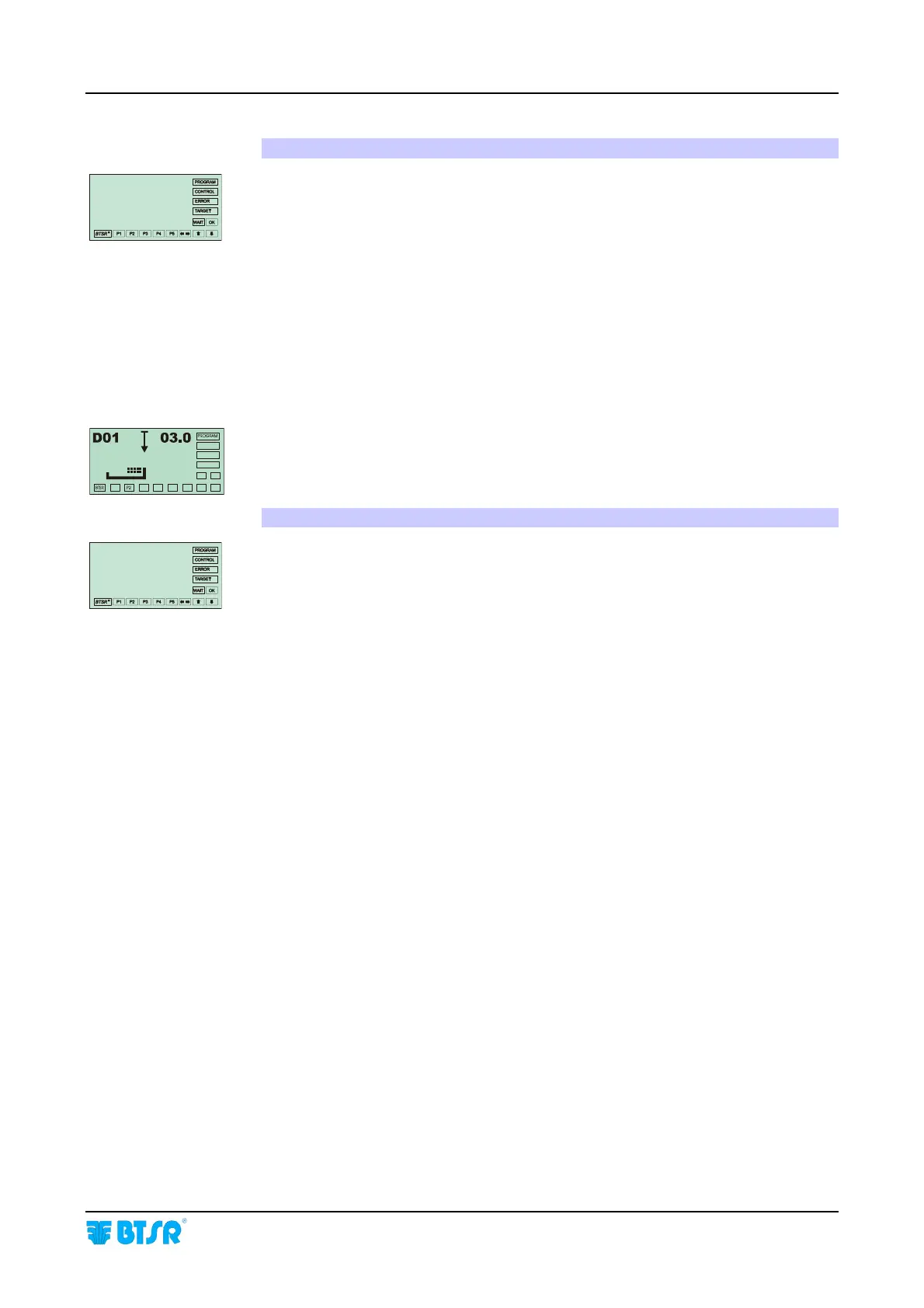
6. Operator’s Message Area:
The menu choices, or settings for the selected function during programming or
setup phase of the system as well as service messages are displayed with large size
fonts (1.5 x 0.8 cm), easy to read even from a distance, when the system is running
normally. In other words, it shows all the necessary information to guide the
operator step by step through the programming phase and interactive management
of the system.
When the displayed lines refer to the menu items, the selected one is indicated with
the symbol
>
.
The presence of a flashing cursor
(---) indicates the position where the operator
can enter an alphanumeric character or variable setting which will replace the value
currently displayed.
Some functions of MEASUR menu use the Operator’s Message Area to display
real time graphical user information, particularly useful to detect values and
performance data related to the connected KTF/.. devices.
7. Operating Status Signaling Area
To enable a more direct and evident interpretation of the operating context in
which you are working, on the right hand side and bottom side of the operator
message area, 16 rectangular boxes (labels) are implemented. They display the
operating status of the system, and the hierarchic level of the menu at which you
are operating.
More specifically, the PROGRAM label indicates that you are operating in one of
the following modes: configuration, programming or data transmission to the
sensors.
The CONTROL label indicates that the system is operating normally with all
monitor functions enabled, and according to the parameters currently set in the
system. In this phase the message display indicates CONTROL OK.
The ERROR label indicates that an error has been detected during normal
operation of the system. In this case the Message area shows the type of error
detected (for further information please refer to Operations Sequences in this
chapter and to chapter 4 – Troubleshooting and Maintenance).
The WAIT Label indicates that an internal processing or a data communication
with the connected devices is in progress.
SMART
KTF 2000










 To Next Page