SMART KTF 2000 – KTF/RW Operation
SMART KTF 2000 3B-23 -
If you try to enter a name already existing, the warning message DOUBLE NAME,
will be displayed. In this case, press
and enter a new name.
Press
to start the parameters settings.
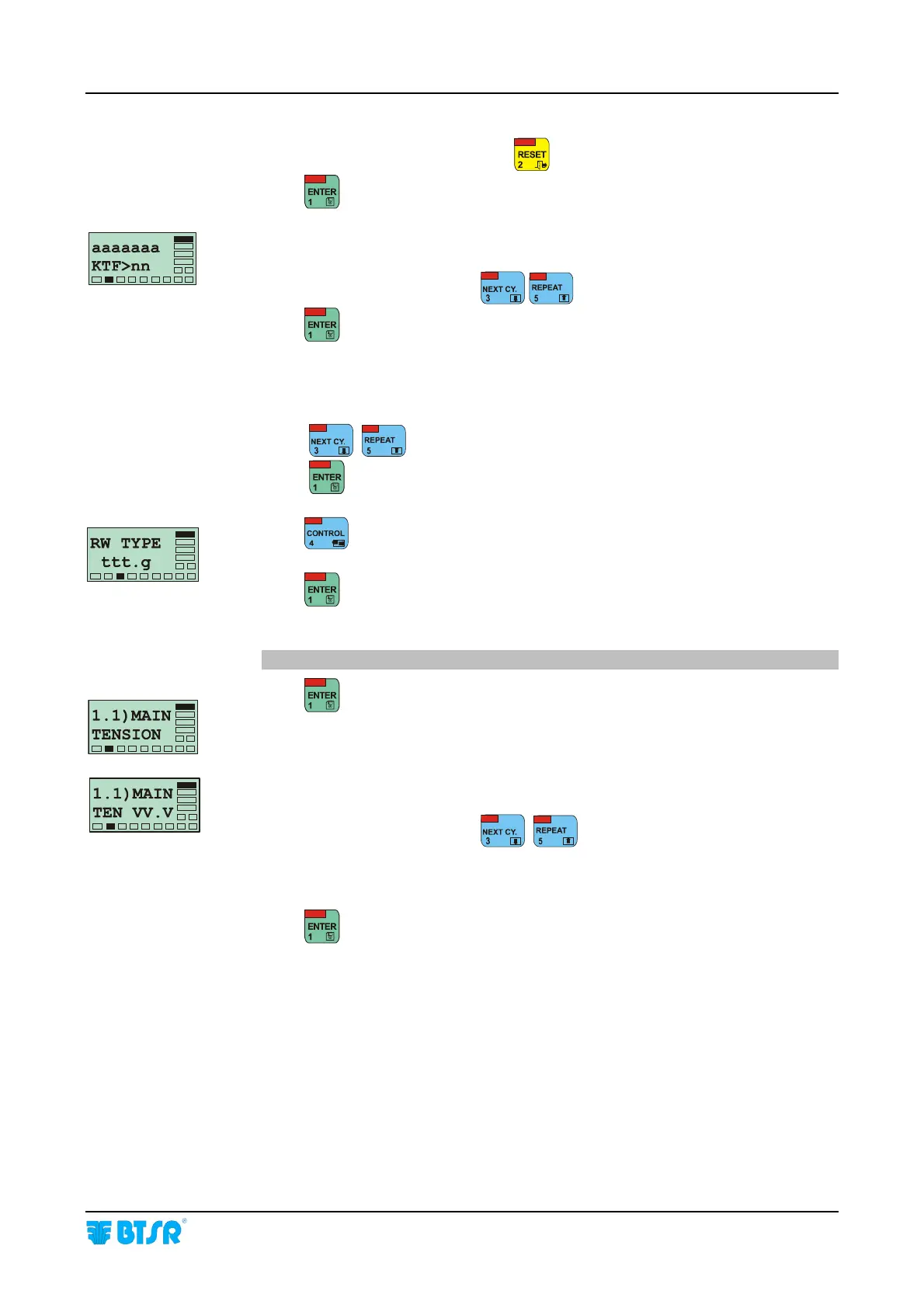
aaaaaaa = name of article previously set up
nn = number of KTF devices associated to aaaaaaa article.
Choose the desired value using
.
Press
to continue.
On all the screens of the NEW function, the upper row of display will always
indicate the progressive parameter number N), followed by the name of that
parameter.
Using
, you can directly select the desired parameter.
Using
you can select and confirm in sequence all the parameters.
Press
to select the type (grams) of the tension sensor
(either 100g or 1000g)
Press
to confirm.
1.1) MAIN TENSION = P1.1
Press
to enable the parameter programming.
VV.V = Value of MAIN * TENSION parameter to be associated to the
article setup.
Choose the desired value using
, ,
[allowed values: from 0.1 to 99.9 grams].
from 5 to 995 grams depending on RW TYPE parameter].
Press
to move to the next parameter.










 To Next Page