SMART KTF 2000 – KTF/RW Operation
SMART KTF 2000 3B-31 -
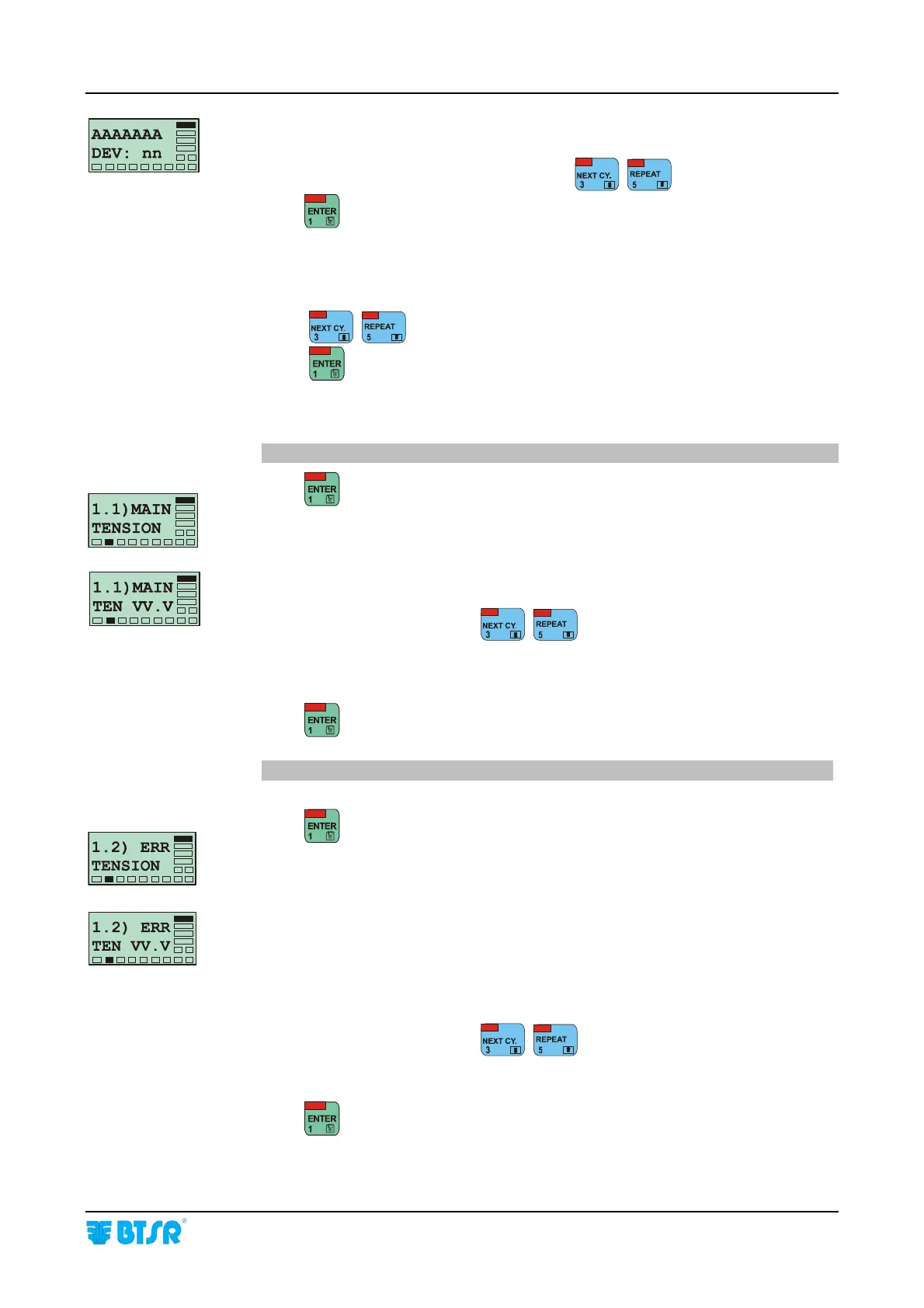
This screen allows you to re-defined the range of sensors associated to the article
being modified.
Select the first sensor of the range (nn) using
, .
Press
to start the parameters settings.
On all the screens of the MODIFY function, the upper row of display will always
indicate the progressive parameter number N), followed by the name of that
parameter.
Using
, you can directly select the desired parameter.
Using
you can select and confirm in sequence all the parameters.
1.1) MAIN TENSION = P1.1
Press
to enable the parameter programming.
VV.V = Value of MAIN * TENSION parameter to be associated to the article
setup.
Choose the desired value using
, ,
[allowed values: from 0.1 to 99.9 grams].
from 5 to 995 grams depending on RW TYPE parameter].
Press
to move to the next parameter.
1.2) ERR TENSION = P1.2
Press
to enable the parameter programming.
VV.V = Value of ERROR TENSION parameter to be associated to the article
setup. It indicates the Tolerance Range of Tension beyond which the
machine will be stopped. The error signalling as well as the machine stop
occur only if the tolerance is exceeded for the period of time indicated by
the next parameter 1.3) TIME ALARM.
Choose the desired value using
, ,
[allowed values 0.1 (value of MAIN TENSION parameter)].
Press
to move to the next parameter.










 To Next Page