8 | Mobile connection BÜCHI Labortechnik AG
68/88 Operation Manual UniversalExtractor E-800
8 Mobile connection
8.1 Requirements for local network settings
u The following port has to be enabled in the firewall settings on the internet gate-
way:
TCP (HTTPS) traffics through remote port 443
u In order to use the BUCHI Cloud a DNS server must be configured on the instru-
ment.
NOTE
If there is no DNS server available enter the IP address for the BUCHI Cloud connec-
tion manually.
NOTE
If there is no DHCP server available enter the IP address, gateway subnet mask and
DNS server manually.
8.2 Preparing the instrument for app using
NOTICE!Do not unplug the LAN cable
while the device is connected to the
BUCHI Cloud Services
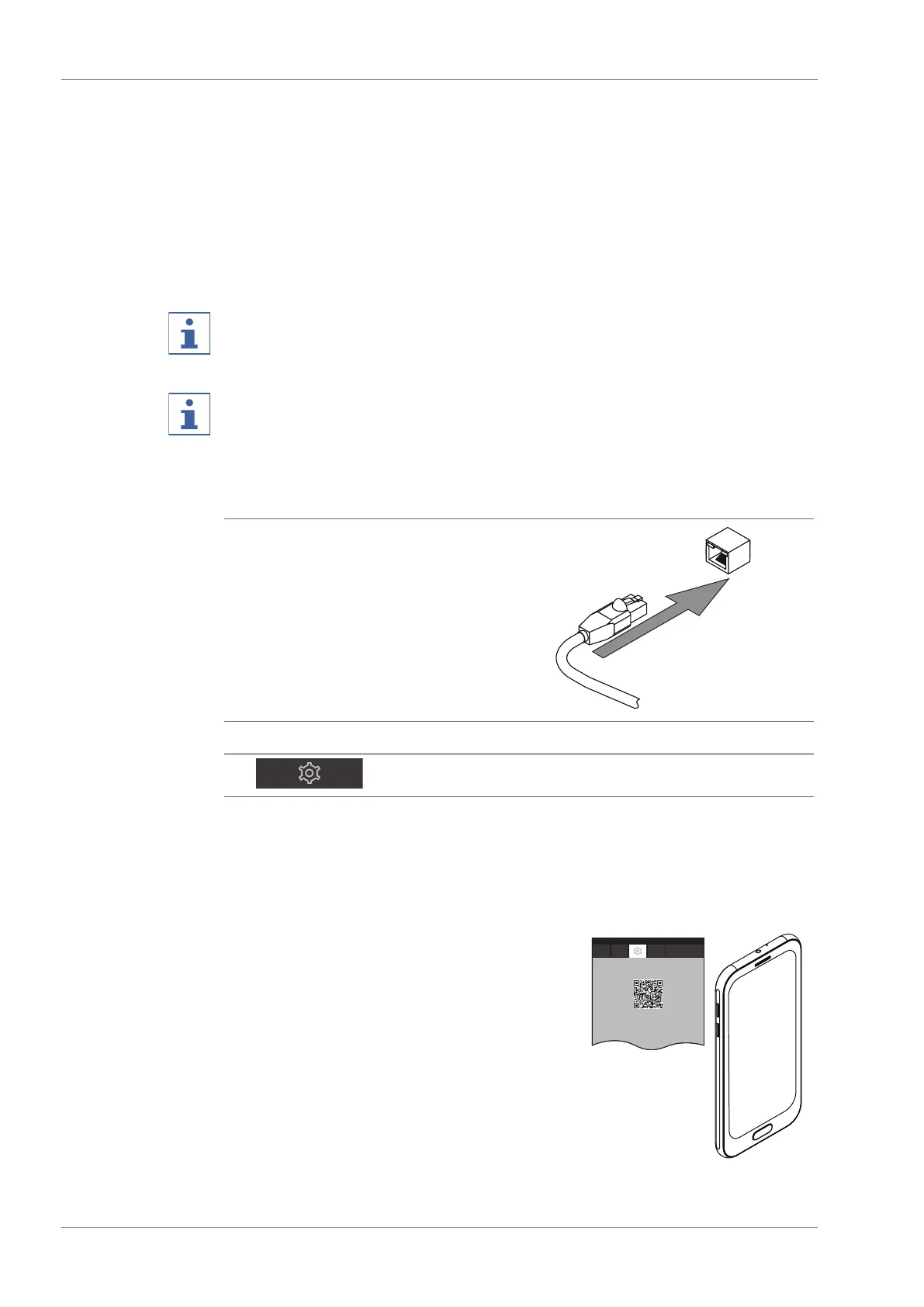
u Connect the instrument with the LAN
network.
Navigation path
➔ ➔ [ Settings ] ➔ [ Network ]
u Navigate to the action [ Network ].
u Enable the function [ DHCP ].
ð The instrument is prepared.
8.3 Connecting the instrument and app using a QR code
u Navigate to the action [ Mobile connection QR
code ].
ð The display shows a QR code.
u Scan the QR code with the camera function of
the App.


 To Next Page