56
Other setting options
Type ME43
BürkertCommunicator:Generalsettingscongurationarea
Detailedview Menu
Maintenance Deviceinformation Displayedname Is only displayed if a name
has been input in the menu of the same
name in the parameters detailed view.
In these menus
the current values
are displayed, not
set.
Ident.numberIdenticationnumberofthe
device.
Serialnumber of the device.
Softwareident.number
Softwareversion
büSversion
Hardwareversion
Producttypenumber
Manufacturedate
edsversion
f(x)version
Devicedriver Driverversion
Firmwaregroup
DLLversion
Origin
Resetdevice Restart Restart of the device.
Resettofactorysettings Reset device to factory setting.
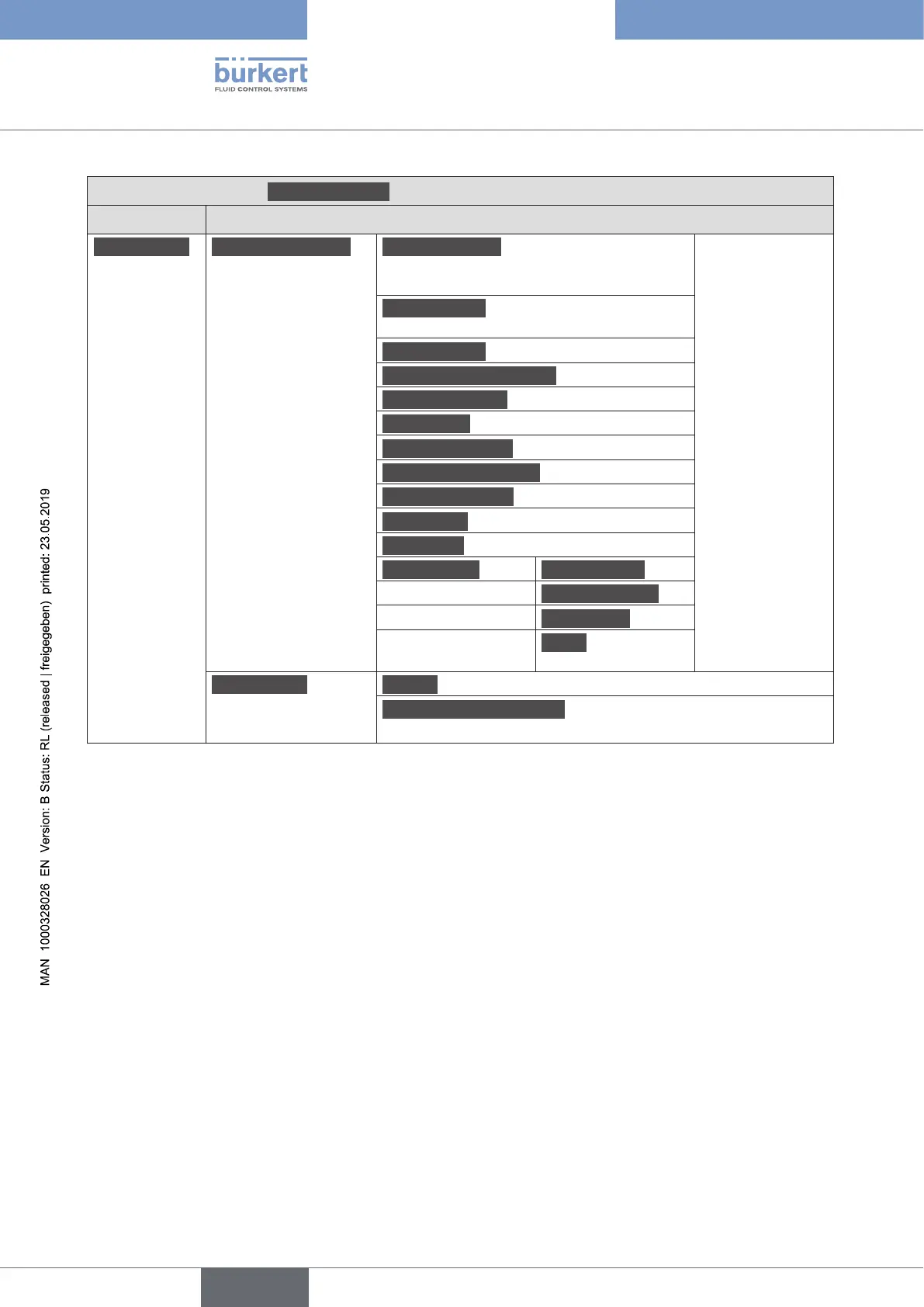
Table 16: Setting options in Bürkert Communicator, General Settings conguration area – maintenance detailed view
english



 To Next Page