55
Other setting options
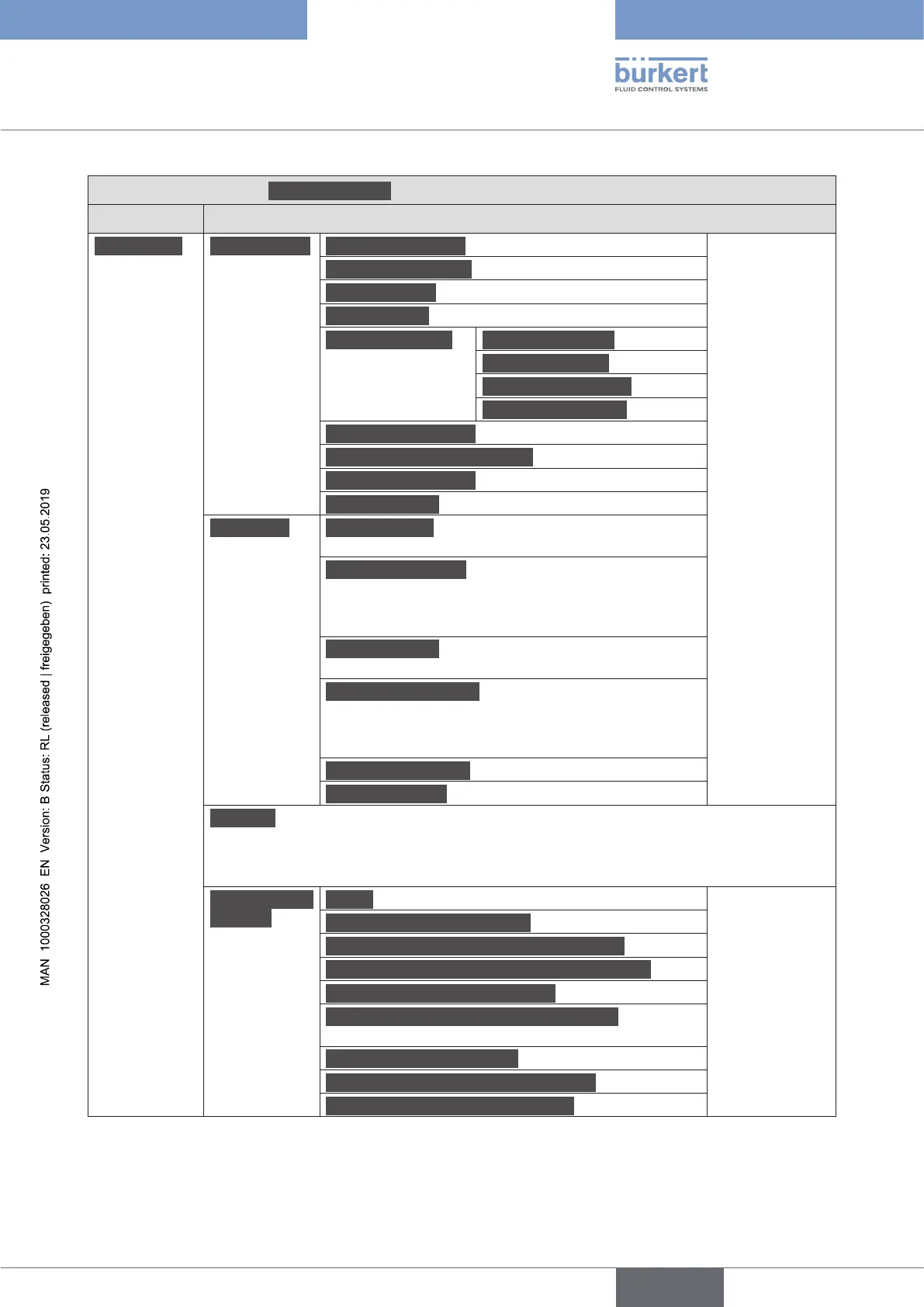
Type ME43
BürkertCommunicator:Generalsettingscongurationarea
Detailedview Menu
Diagnostics Devicestatus Operatingduration In these menus
the current
values are dis-
played, not set.
Devicetemperature
Supplyvoltage
Voltagedrops Number of voltage drops since restart.
Min./Max.values Max.temperature
Min.temperature
Max.supplyvoltage
Min.supplyvoltage
Devicebootcounter
Transferablememorystatus
Currentsystemtime
Batteryvoltage
büSstatus Receiveerrors Number of received errors since
restart.
Receiveerrormax. The most severe reception error
that was produced relative to the device status is dis-
played.
The indicator can be reset to 0.
Transmiterrors Number of transmit errors since
restart.
Transmiterrorsmax. The most severe send error
that was produced relative to the device status is dis-
played.
The indicator can be reset to 0.
Reseterrorcounter
CANopenstatus operational or preoperational
Logbook The logbook lists all warnings and error messages, specifying the type, time
and signature.
The messages listed in the logbook can be updated, saved and deleted.
Conguration
provider
Status In these menus
the current
values are dis-
played, not set.
Numberofmanagedclients
-Thereofnumberofoinecongurtions
-Thereofnumberofforcedrecongurations
Numberofreconguredclients since restart.
´Numberofloadedclientcongurations since
restart.
Numberofmissingclients since restart.
Numberoffailedcongurationloads since restart.
Numberoffailedrecongurations since restart.
Table 15: Setting options in Bürkert Communicator, General Settings conguration area – diagnostics detailed view
english



 To Next Page