121
S
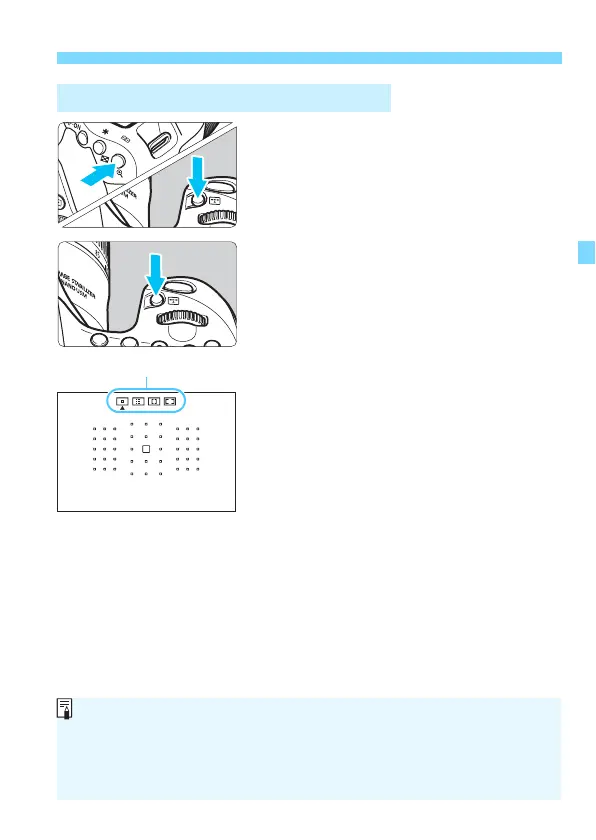
Selecting the AF Area and AF Point
N
1
Press the <S> or <B> button
(
9
).
Look through the viewfinder and
press the <
S
> or <
B
> button.
2
Press the <B> button.
Each time you press the <
B
>
button, the AF area selection mode
changes.
The AF area selection mode currently
set is indicated on the top of the
viewfinder.
Selecting the AF Area Selection Mode
With [8C.Fn II-8: Select AF area selec. mode], you can limit the
selectable AF area selection modes (p.420).
If you set [8C.Fn II-9: AF area selection method] to [1: S9Main
Dial], you can select the AF area selection mode by pressing the <S>
or <B> button, then turning the <6> dial (p.420).



 To Next Page