281
Focusing with AF (AF Method)
The camera focuses with a single AF point. This is effective when you
want to focus on a particular subject.
1
Display the Live View image.
Press the <
0
> button.
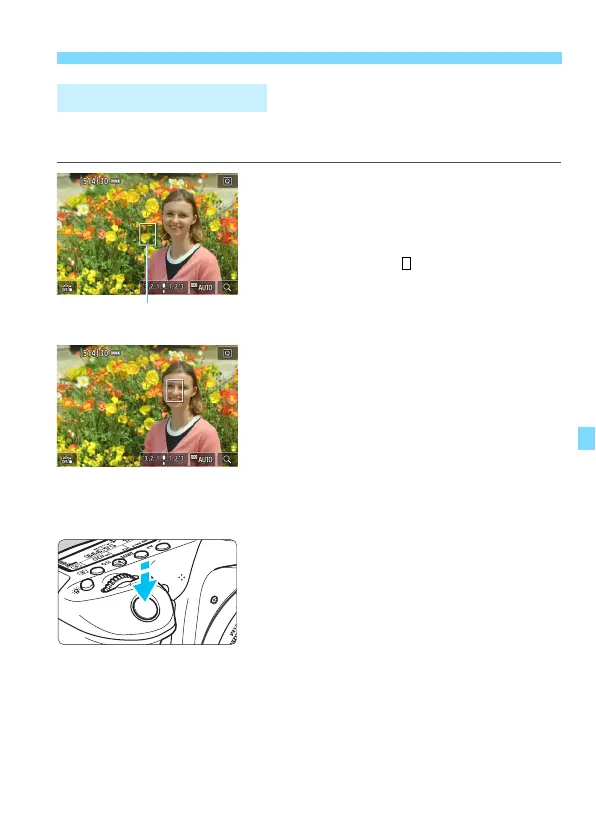
The Live View image will appear on
the LCD monitor.
The AF point < > will appear.
During movie shooting, if [
Movie
Servo AF
] is set to [
Enable
], the AF
point will be displayed in a larger size.
2
Move the AF point.
Use <
9
> to move the AF point to
where you want to focus. (It cannot
be moved to the edge of the screen.)
Pressing <
0
> or the <
L
> button
will return the AF point to the screen’s
center.
You can also tap on the LCD monitor
screen to move the AF point.
3
Focus on the subject.
Aim the AF point over the subject and
press the shutter button halfway.
When focus is achieved, the AF point
will turn green and the beeper will
sound.
If focus is not achieved, the AF point
will turn orange.
FlexiZone - Single: d



 To Next Page