293
8
Shooting Movies
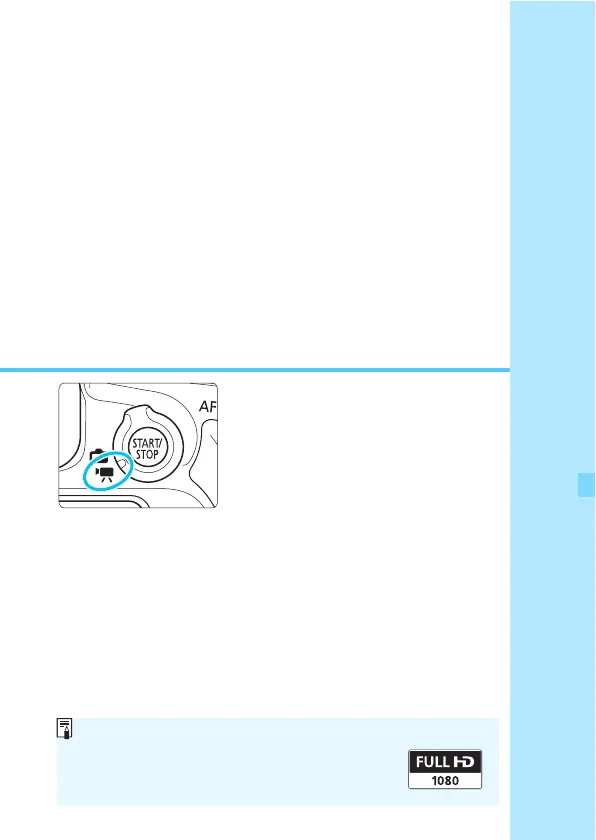
Movie shooting is enabled by
setting the Live View shooting/
Movie shooting switch to <k>.
For cards that can record movies, see page 5.
If you handhold the camera and shoot movies, camera
shake can cause blurred movies. Using a tripod is
recommended in such cases.
Full HD 1080
Full HD 1080 indicates compatibility with High-
Definition featuring 1080 vertical pixels (scanning
lines).



 To Next Page