347
x
Image Playback
3
Exit the image playback.
Press the <
x
> button to exit the
image playback and return to
shooting-ready state.
With the shooting information screen displayed (p.346), you can press
the <
W
> <
X
> keys to change the shooting information displayed at the
screen’s bottom as follows. For details, see pages 349-350.
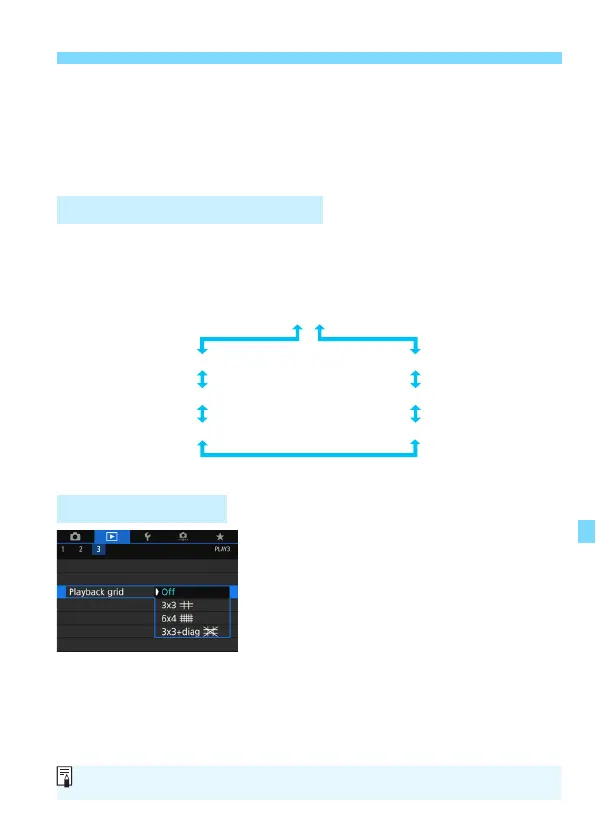
In single-image display, you can overlay
the grid on the image playback.
With [
3
3: Playback grid
], you can
select [
3x3
l
], [
6x4
m
], or [
3x3+diag
n
].
This function is convenient for checking
the image’s vertical or horizontal tilt as
well as composition.
Shooting Information Display
3 Grid Display
Detailed information
Lens aberration correction information
Color space / Noise reduction information
Picture Style information 2
Lens / Histogram information
White balance information
Picture Style information 1
The grid is not displayed during movie playback.



 To Next Page