97
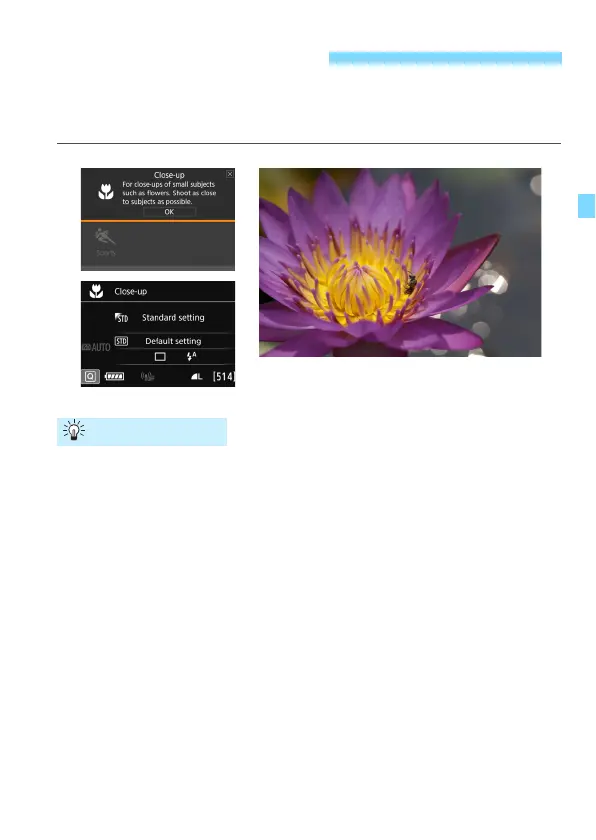
When you want to shoot flowers or small things up close, use the <
4
>
(Close-up) mode. To make small things appear much larger, use a
macro lens (sold separately).
Use a simple background.
A simple background makes small objects such as flowers stand out
better.
Move in as close as possible to the subject.
Check the lens for its minimum focusing distance. Some lenses
have indications such as <
MACRO 0.39m/1.3ft
> on them. The lens
minimum focusing distance is measured from the <
V
> (focal
plane) mark on the top of the camera to the subject. If you are too
close to the subject, the focus indicator <
o
> will blink.
If you use the built-in flash and the bottom part of the picture comes
out unnaturally dark, move away from the subject and try again.
With a zoom lens, use the telephoto end.
If you have a zoom lens, using the telephoto end will make the
subject look larger.
4 Shooting Close-ups
Shooting Tips



 To Next Page