i
: Setting the ISO Speed for Still Photos
N
150
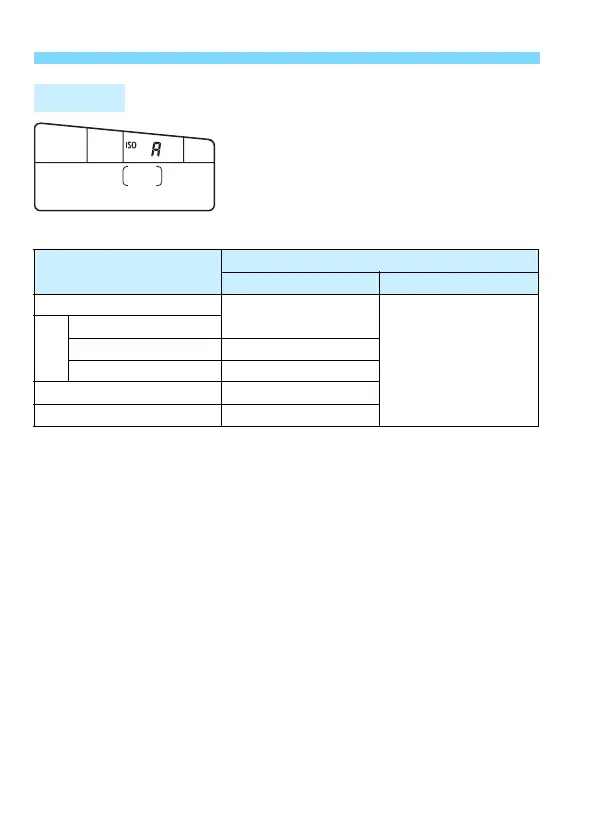
If the ISO speed is set to “
A
” (Auto), the
actual ISO speed setting will be
displayed when you press the shutter
button halfway. As indicated below, the
ISO speed will be set automatically to
suit the shooting mode.
*1: The actual ISO speed range depends on the [Minimum] and [Maximum]
settings set in [Auto range] (p.152).
*2: (1) If fill-in flash will cause overexposure, ISO speed may be reduced, down to
a possible minimum of ISO 100.
(2) In <8: Px2345> and <d> modes, if you use bounce flash with
an external Speedlite, the ISO speed will be automatically set within ISO
400 - ISO 1600.
ISO Auto
Shooting Mode
ISO Speed Setting
No Flash With Flash
A7Cv
ISO 100 - ISO 6400
ISO 400
*1*2
(Except in the A, C,
<8: C6F>,
<v: GWXHcZ>
modes.)
8
PCx6G245
F ISO 100 - ISO 12800
3 ISO 100 - ISO 1600
d, s, f, a ISO 100 - ISO 16000
*1
With bulb exposures ISO 400
*1



 To Next Page