A
Full Auto Techniques (Scene Intelligent Auto)
82
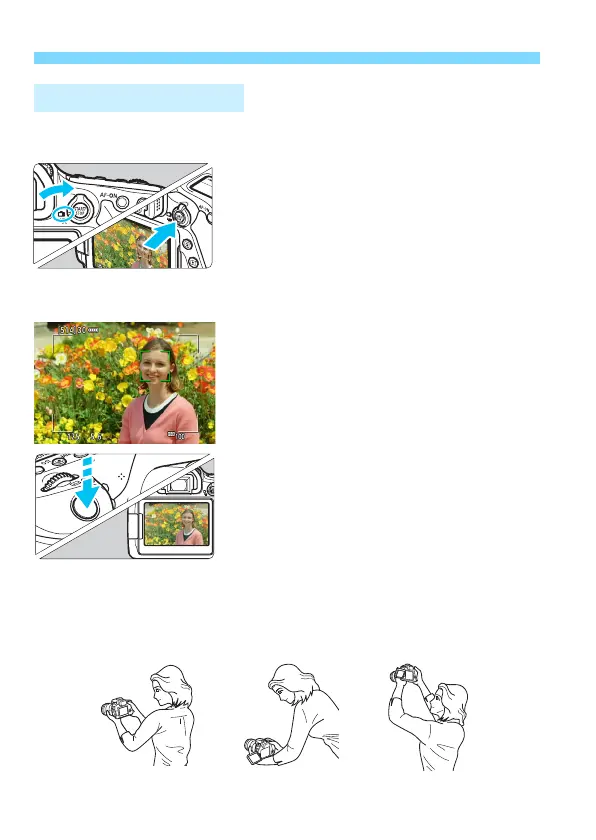
You can shoot while viewing the image on the LCD monitor. This is
called “Live View shooting”. For details, see page 255.
1
Set the Live View shooting/Movie
shooting switch to <A>.
2
Display the Live View image on
the LCD monitor.
Press the <
0
> button.
The Live View image will appear on
the LCD monitor.
3
Focus on the subject.
Press the shutter button halfway to
focus.
When focus is achieved, the AF point
will turn green and the beeper will
sound.
4
Take the picture.
Press the shutter button completely.
The picture is taken and the captured
image is displayed on the LCD monitor.
When the playback display ends, the
camera will return to Live View
shooting automatically.
Press the <
0
> button to exit the
Live View shooting.
You can also rotate the LCD monitor for different angles (p.40).
A Live View Shooting
Normal angle Low angle High angle



 To Next Page