3
Registering My Menu
N
442
Delete tab
You can delete the My Menu tab currently displayed. Select [
Delete
tab
] to delete the [
MY MENU*
] tab.
Rename tab
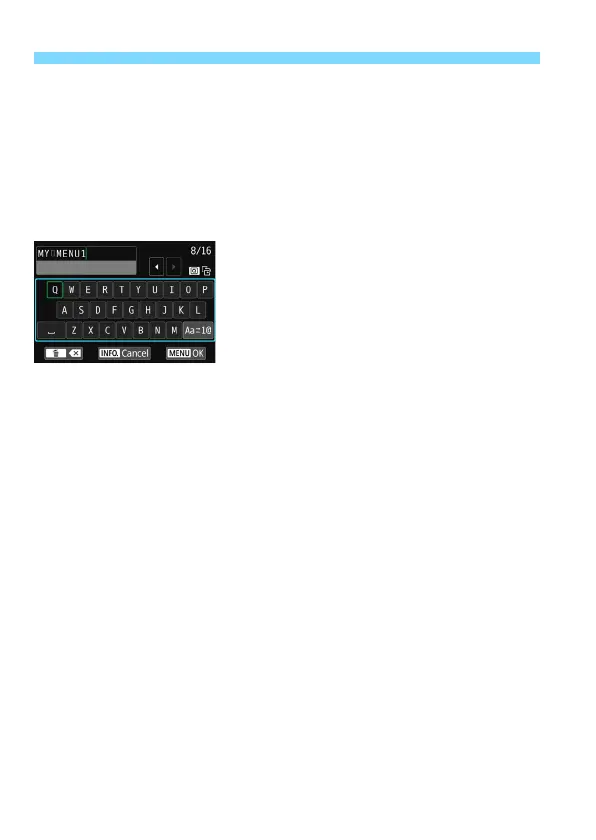
You can rename the My Menu tab from [
MY MENU*
].
1
Select [Rename tab].
2
Enter text.
Press the <
L
> button to delete any
unnecessary characters.
Press the <
Q
> button to toggle
between the top and bottom entry
areas.
Press the <
W
> <
X
> or <
Y
> <
Z
>
keys to move the
n
and select the
desired character. Then press <
0
>
to enter it.
By selecting [
E
] and pressing
<
0
>, you can change the input
mode.
To cancel the text entry, press the
<
B
> button, then select [
OK
] on
the confirmation screen.
You can enter up to 16 characters.
3
Exit the setting.
After entering the text, press the
<
M
> button, then select [
OK
].
The name is saved.



 To Next Page