441
3
Registering My Menu
N
2
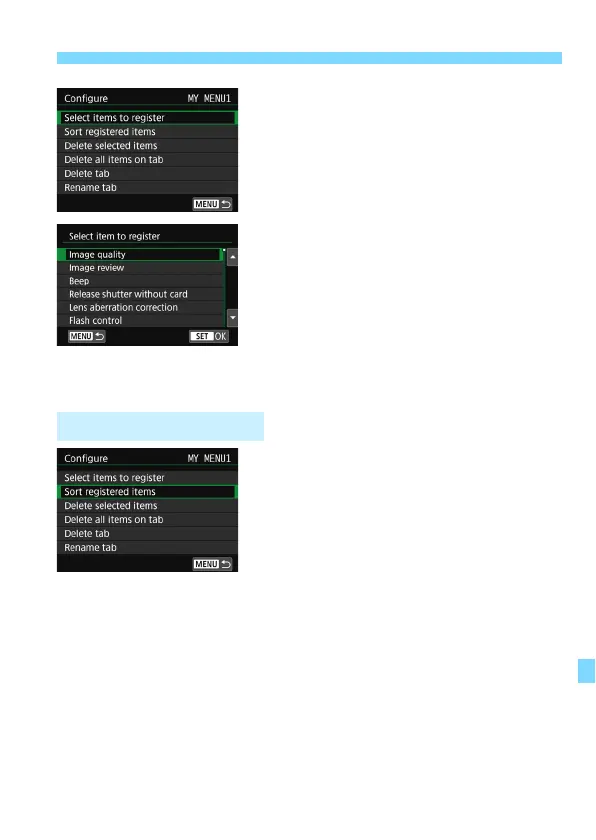
Select [Select items to register].
3
Register the desired items.
Select the desired item, then press
<
0
>.
Select [
OK
] on the confirmation
dialog.
You can register up to six items.
To return to the screen in step 2,
press the <
M
> button.
You can sort and delete items under the
menu tab, and rename or delete the
menu tab.
Sort registered items
You can change the order of the registered items in My Menu. Select
[
Sort registered items
] and select the item whose order you want to
change. Then press <
0
>. With [
z
] displayed, press the <
W
> <
X
>
keys to change the order, then press <
0
>.
Delete selected items / Delete all items on tab
You can delete any of the registered items. [
Delete selected items
]
deletes one item at a time, and [
Delete all items on tab
] deletes all
registered items.
My Menu Tab Settings



 To Next Page