137
When Autofocus Fails
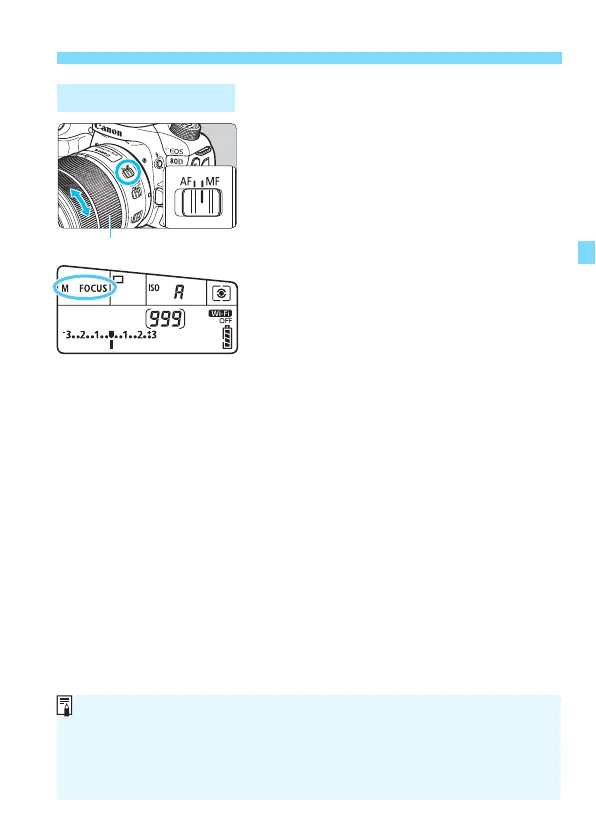
1
Set the lens’s focus mode switch
to <MF>.
<
4 L
> will be displayed on the
LCD panel.
2
Focus on the subject.
Focus by turning the lens’s focusing
ring until the subject looks sharp in
the viewfinder.
MF: Manual Focus
If you press the shutter button halfway during manual focusing, the AF
point that achieved focus and the focus indicator <o> will light up in the
viewfinder.
With 45-point automatic selection AF, when the center AF point achieves
focus, the focus indicator <o> will light up.



 To Next Page