263
A
Shooting with the LCD Monitor
3
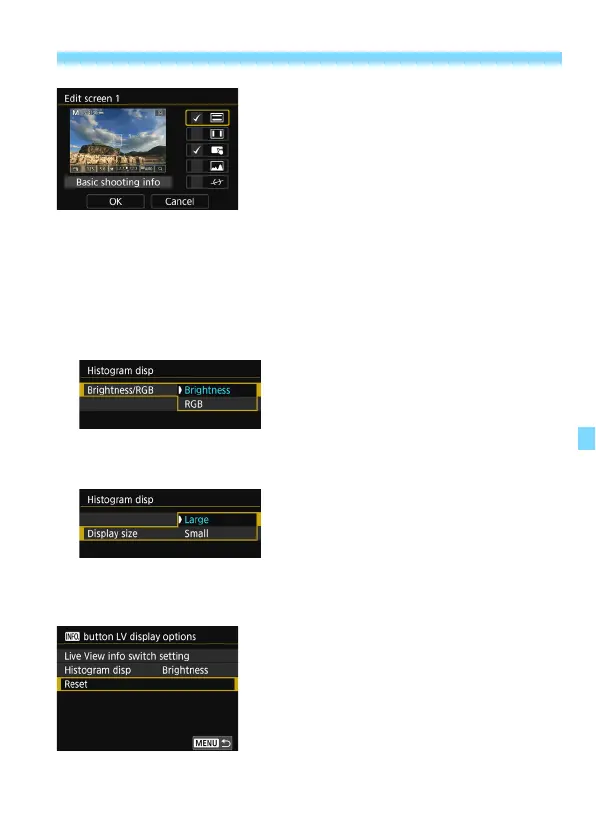
Edit the options.
Select what you want to display and
press <
0
> to add a checkmark [
X
].
For what you do not want to display,
press <
0
> to remove the checkmark
[
X
].
After completing the settings, select
[
OK
].
Repeat steps 2 and 3 as necessary.
Histogram display
• Brightness/RGB
You can switch the histogram display between [
Brightness
] and
[
RGB
] (p.352).
Set with [
Brightness/RGB
] in
[
Histogram disp
].
• Display size
You can change the display size of the histogram.
Set with [
Display size
] in [
Histogram
disp
].
Reset
To revert to the default settings (p.262),
select [
Reset
], then select [
OK
].



 To Next Page