Downloading Images to a Computer
516
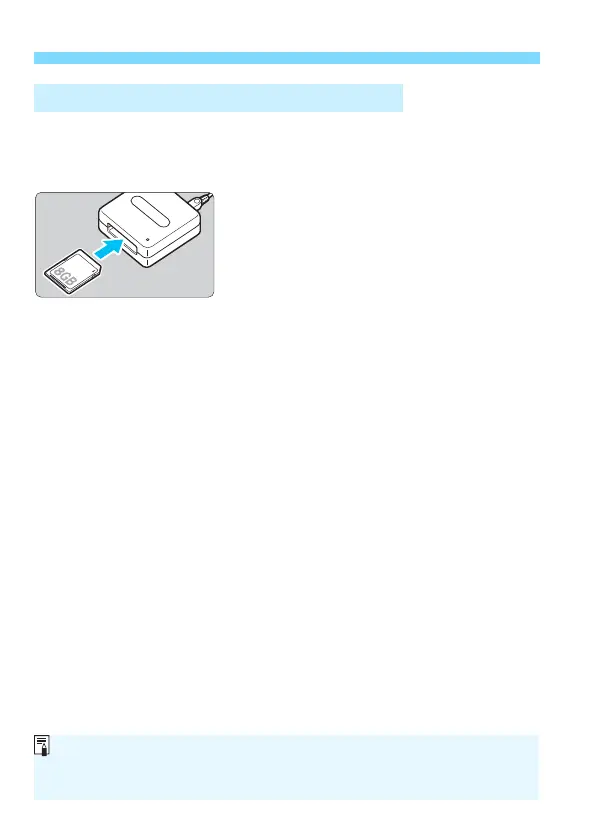
You can use a card reader to download images to a computer.
1
Install the software
(p.513)
.
2
Insert the card into the card
reader.
3
Use Digital Photo Professional to
download the images.
Refer to the Digital Photo
Professional Instruction Manual.
Downloading Images with a Card Reader
When downloading images from the camera to a computer with a card
reader without using EOS software, copy the DCIM folder on the card to the
computer.



 To Next Page