306
With [
z
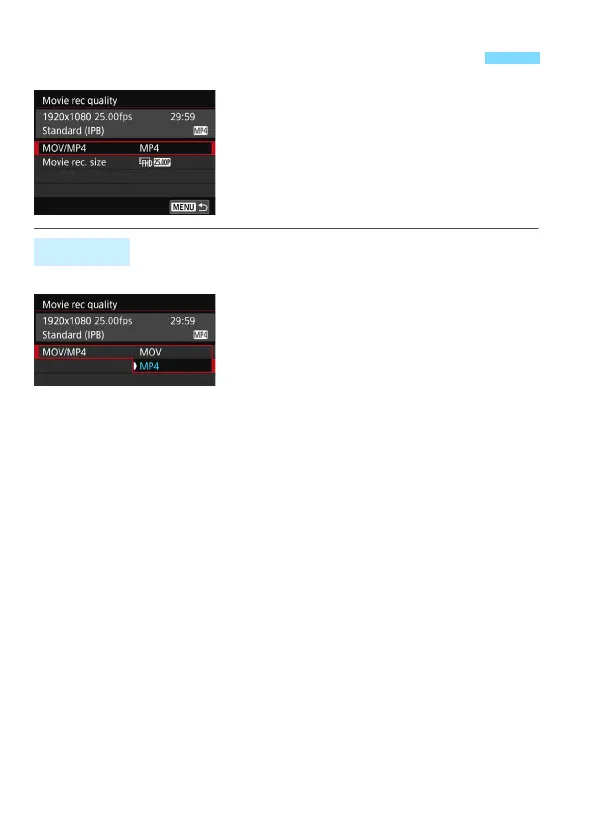
4: Movie rec quality
] (the [
z
2
]
tab in Basic Zone modes), you can set
the movie recording format, movie
recording size (image size, frame rate,
and compression method), and other
functions.
You can select the movie’s recording format.
D
MOV
The movie is recorded in the MOV
format (file extension: “.MOV”).
Convenient for editing with a computer.
C
MP4
The movie is recorded in the MP4 format (file extension: “.MP4”). This
format is compatible with a larger range of playback systems than the
MOV format.
3 Setting the Movie Recording Size
MOV/MP4



 To Next Page