221
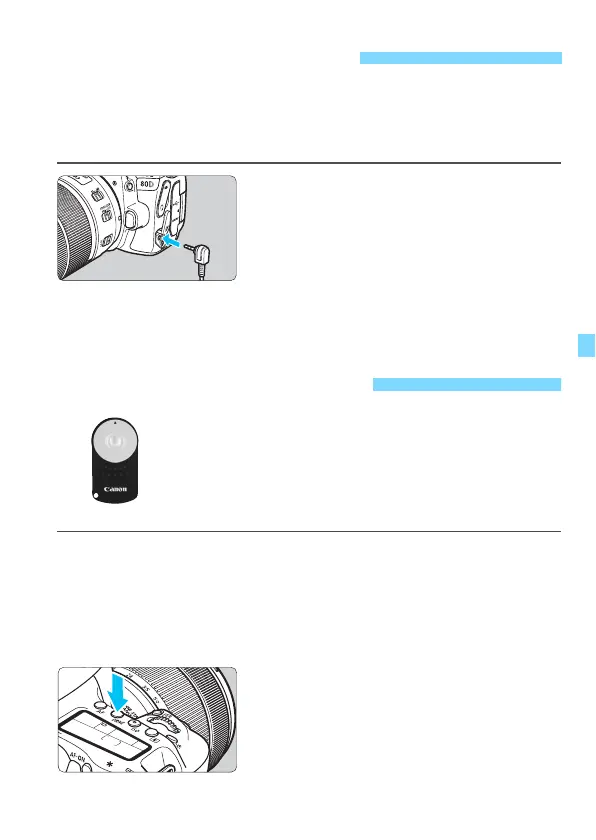
You can connect Remote Switch RS-60E3 (sold separately) to the
camera and shoot (p.468).
For detailed instructions, refer to the remote switch’s instruction
manual.
1
Open the terminal cover.
2
Connect the plug to the remote
control terminal.
F Using a Remote Switch
R Remote Control Shooting
With Remote Controller RC-6 (sold separately), you
can shoot remotely up to approx. 5 meters/16.4 feet
away from the camera. You can either shoot
immediately or with a 2-sec. delay.
You can also use Remote Controller RC-1 and RC-5
(sold separately).
1
Focus on the subject.
2
Set the lens’s focus mode switch
to <MF>.
You can also shoot with <
f
>.
3
Press the <R> button
(
9
)
.



 To Next Page