R
Remote Control Shooting
222
4
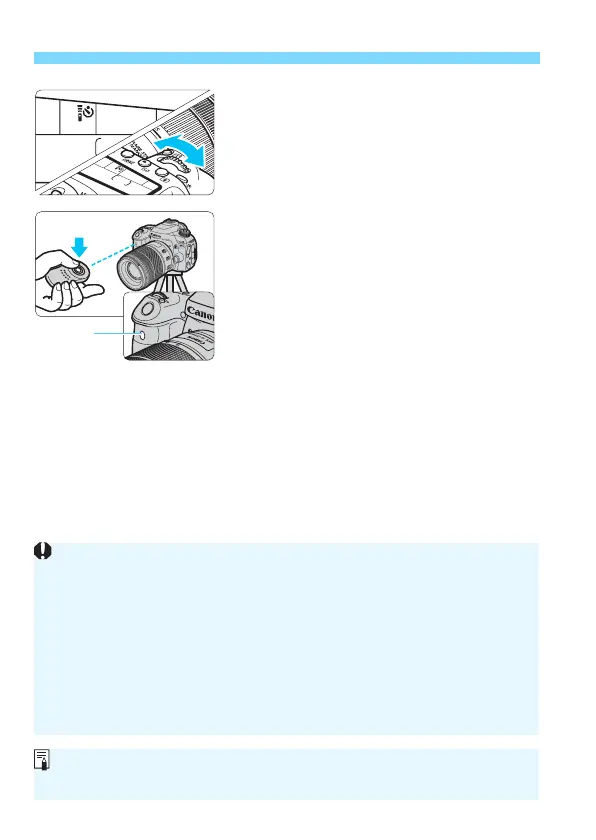
Select the self-timer.
Look at the LCD panel and turn the
<
6
> dial to select <
Q
> or <
k
>.
5
Press the remote controller’s
transmit button.
Point the remote controller toward the
camera’s remote control sensor, and
press the transmit button.
The self-timer lamp lights up and the
picture is taken.
Fluorescent or LED lighting may cause camera misoperation by
triggering the shutter inadvertently. Try to keep the camera away from
such light sources.
If you point a remote controller for a TV set toward the camera and
operate it, it may cause camera misoperation by triggering the shutter
inadvertently.
If flash light is emitted from a flash on another camera around this
camera, it may cause camera misoperation by triggering the shutter
inadvertently. Do not expose the remote control sensor to flash light from
a flash on another camera.
Remote control shooting is also possible with an EX-series Speedlite
equipped with a remote-release function.



 To Next Page