355
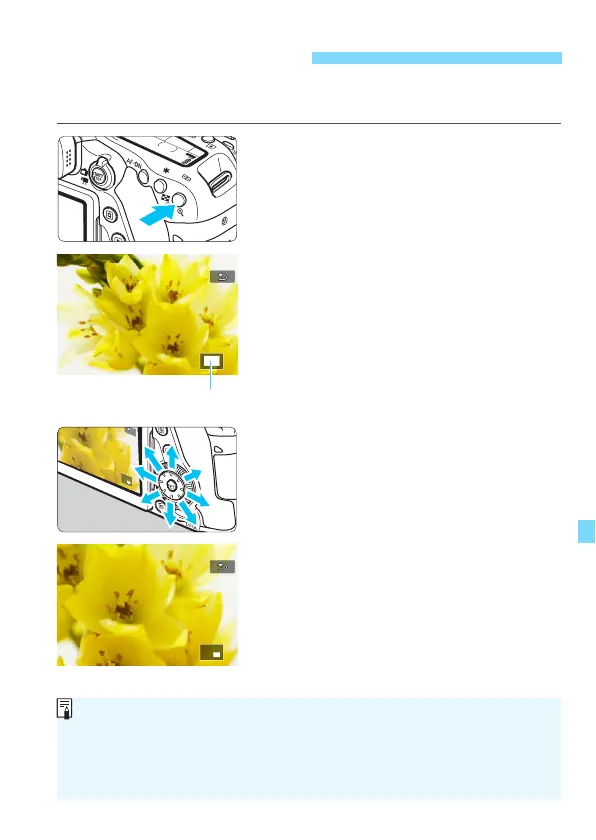
You can magnify a captured image by approx. 1.5x to 10x on the LCD
monitor.
1
Magnify the image.
Press the <
u
> button during image
playback.
The image will be magnified.
If you hold down the <
u
> button, the
image will be magnified until it
reaches the maximum magnification.
Press the <
I
> button to reduce
the magnification. If you hold down
the button, the magnification will be
reduced to the single-image display.
2
Scroll around the image.
Use <
9
> to scroll around the
magnified image.
To exit magnified view, press the
<
x
> button and the single-image
display will reappear.
u/y Magnified View
Turn the <5> dial to view another image while the magnification is
maintained.
Magnified view is not possible during the image review immediately after
the image is taken.
A movie cannot be magnified.



 To Next Page