267
U
Applying Creative Filters
N
5
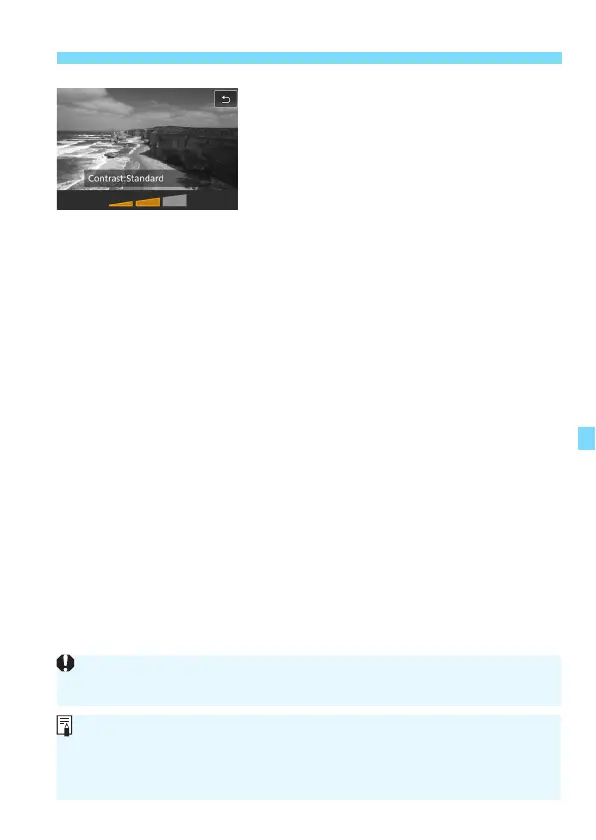
Adjust the filter effect.
Press the <
B
> button (except for
c
).
Press the <
Y
> <
Z
> keys to adjust
the filter effect, then press <
0
>.
6
Take the picture.
The image is shot with the filter effct
applied.
When you set a Creative filter, single shooting will take effect even if the
drive mode is set to <o> or <i>.
You cannot shoot with Creative filters if the recording quality is RAW or
RAW+JPEG, or if AEB, white balance bracketing, or Multi Shot Noise
Reduction is set.
The histogram is not displayed when you shoot with Creative filters.



 To Next Page