45
3
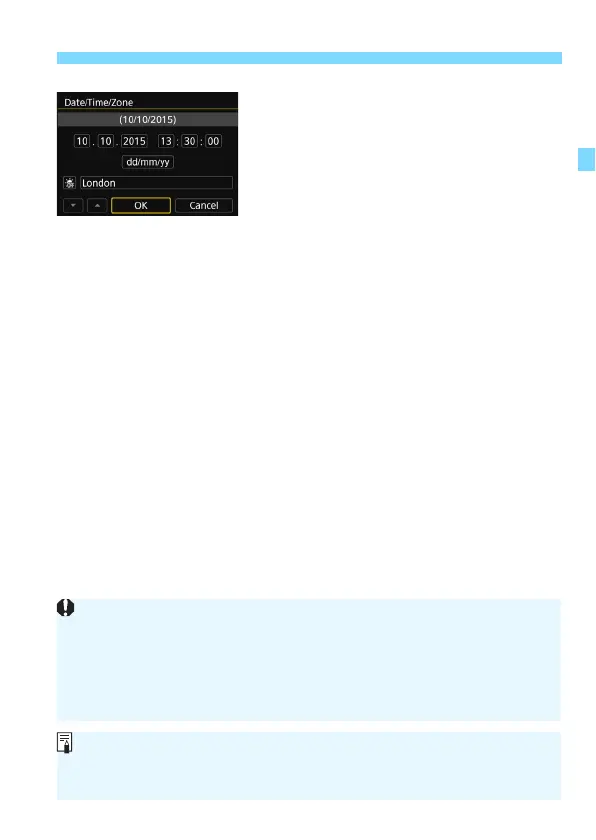
Setting the Date, Time, and Zone
6
Exit the setting.
Press the <
Y
> <
Z
> keys to select
[
OK
], then press <
0
>.
The date/time/zone and daylight
saving time will be set and the menu
will reappear.
The date/time/zone settings may be reset in the following cases. If this
happens, set the date/time/zone again.
• When the camera is stored without the battery.
• When the camera’s battery becomes exhausted.
• When the camera is exposed to below freezing temperatures for a
prolonged period.
The date/time that were set will start when you select [OK] in step 6.
After changing the time zone or time difference setting, check that the
correct date and time are set.



 To Next Page