3
Menu Settings
476
5
: Set-up 4
(Yellow)
Page
* During firmware updates, the touch screen will be disabled to prevent accidental
operations.
8
: Custom Functions
(Orange)
9
: My Menu
(Green)
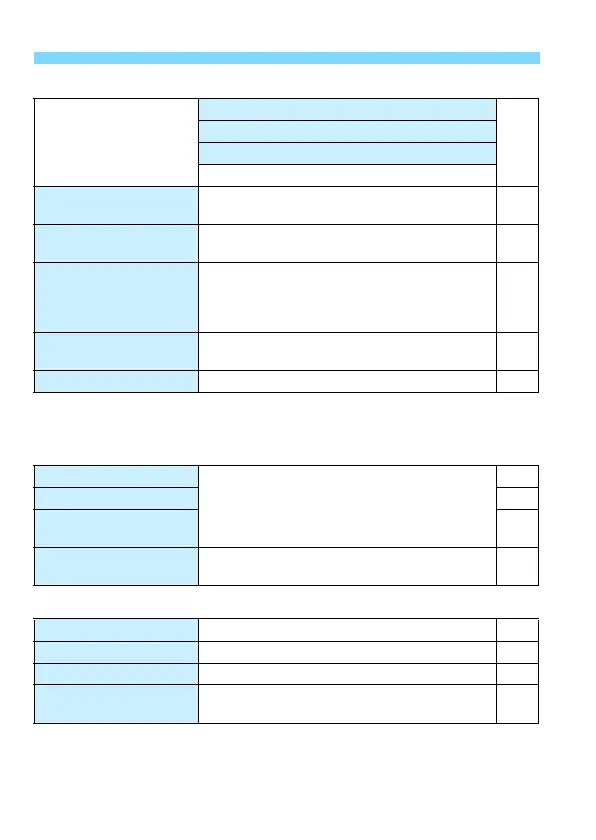
Multi function lock
Main Dial
54
Quick Control Dial
Multi-controller
Touch control
Custom shooting mode
(C1, C2)
Register current camera settings to the Mode
Dial’s w and x positions
445
Clear all camera
settings
Resets the camera to the default settings 68
Copyright information
Display copyright information /
Enter author’s name /
Enter copyright details /
Delete copyright information
186
Certification Logo
Display
Displays some of the logos of the camera’s
certifications
449
zfirmware ver.* For updating the firmware -
C.Fn I: Exposure
Customize camera functions as desired
413
C.Fn II: Autofocus 416
C.Fn III: Operation/
Others
425
Clear all Custom
Functions (C.Fn)
Clear all Custom Function settings 410
Add My Menu tab Add My Menu tabs 1-5 440
Delete all My Menu tabs Delete all My Menu tabs 443
Delete all items Delete all items under My Menu tabs 1-5 443
Menu display
Normal display / Display from My Menu tab /
Display only My Menu tab
444



 To Next Page