136
Advanced Guide
Basic Guide
1
Camera Basics
2
Auto Mode /
Hybrid Auto Mode
3
Other Shooting Modes
Tv, Av, and M Mode
6
Playback Mode
7
Wi-Fi Functions
8
Set-Up Menu
9
Accessories
10
Appendix
Index
4
P Mode
5
Tv, Av, M, and C Modes
Before Use
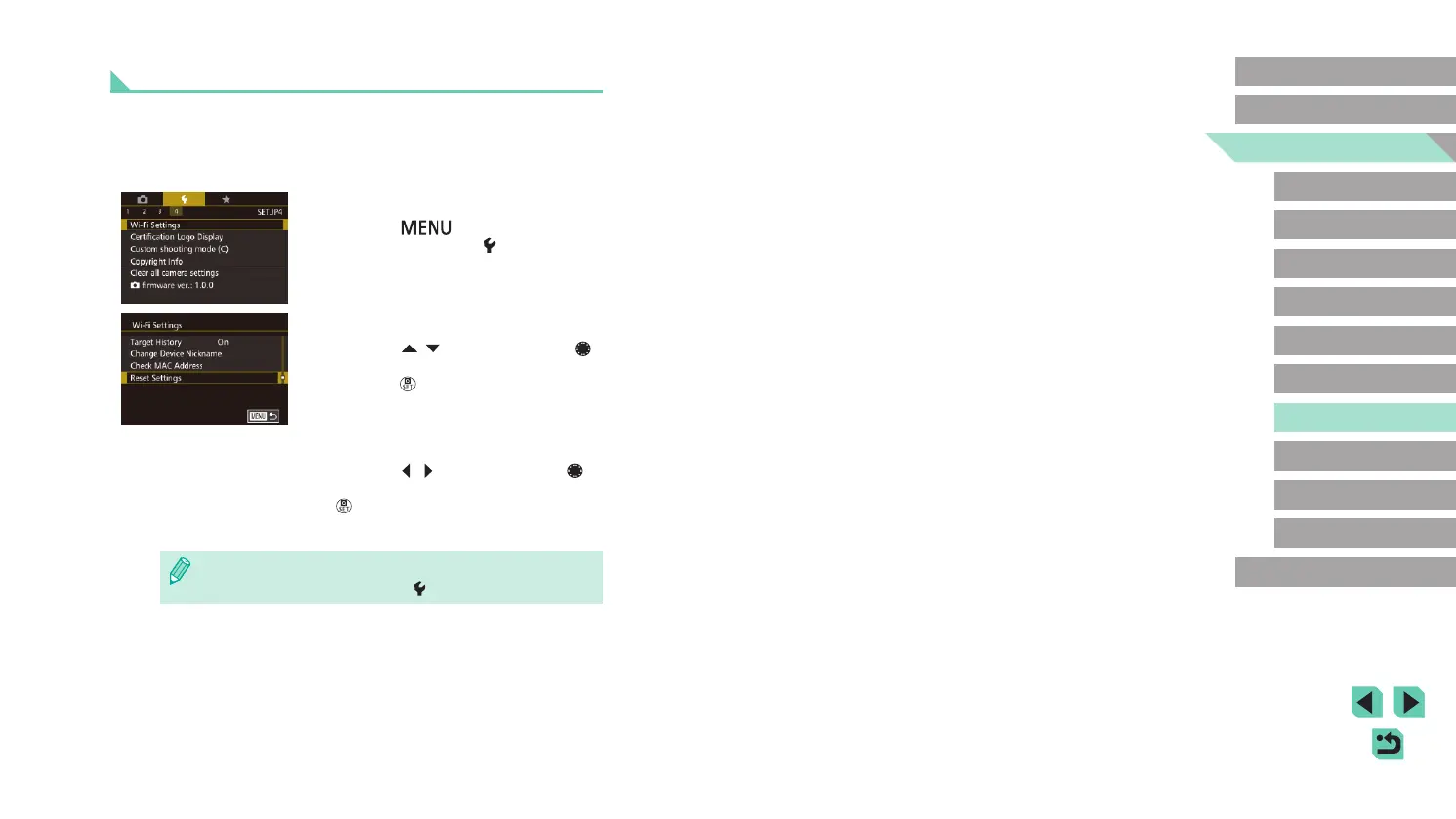
Returning the Wi-Fi Settings to Default
Return the Wi-Fi settings to default if you transfer ownership of the
camera to another person, or dispose of it.
Resetting the Wi-Fi settings will also clear all Web service settings. Be
sure that you want to reset all Wi-Fi settings before using this option.
1
Choose [Wi-Fi Settings].
● Press the [ ] button and choose
[Wi-Fi Settings] on the [ 4] tab (
=
32).
2
Choose [Reset Settings].
● Press the [ ][ ] buttons or turn the [ ]
dial to choose [Reset Settings], and then
press the [ ] button.
3
Restore the default settings.
● Press the [ ][ ] buttons or turn the [ ]
dial to choose [OK], and then press the
[ ] button.
● The Wi-Fi settings are now reset.
● To reset other settings (aside from Wi-Fi) to defaults, choose
[Clear all camera settings] on the [
4] tab (
=
145).















 To Next Page