56
Advanced Guide
Basic Guide
1
Camera Basics
2
Auto Mode /
Hybrid Auto Mode
3
Other Shooting Modes
Tv, Av, and M Mode
6
Playback Mode
7
Wi-Fi Functions
8
Set-Up Menu
9
Accessories
10
Appendix
Index
4
P Mode
5
Tv, Av, M, and C Modes
Before Use
Shooting with a Soft Focus Effect
Still Images
Movies
This function allows you to shoot images as if a soft focus lter were
attached to the camera. You can adjust the effect level as desired.
1
Choose [ ].
● Follow steps 1 – 2 in “Image Effects
(Creative Filters)” (
=
52) and choose
[ ].
2
Choose an effect level.
● Turn the [ ] dial to choose an effect
level.
● A preview is shown of how your shot will
look with the effect applied.
3
Shoot.
● Try taking some test shots rst, to make sure you obtain the
desired results.
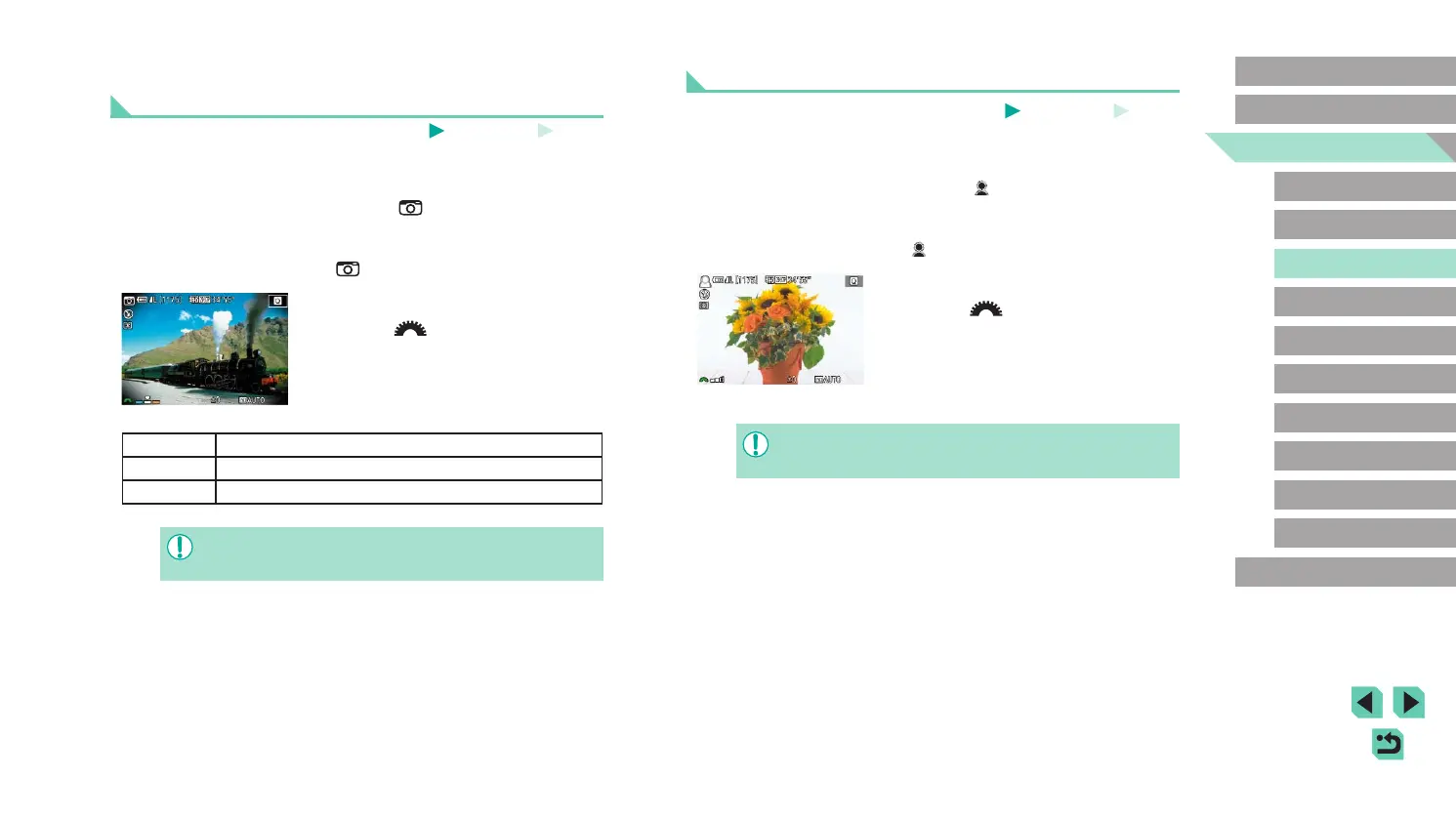
Shooting with a Toy Camera Effect (Toy Camera
Effect)
Still Images
Movies
This effect makes images resemble shots from a toy camera by vignetting
(darker, blurred image corners) and changing the overall color.
1
Choose [ ].
● Follow steps 1 – 2 in “Image Effects
(Creative Filters)” (
=
52) and choose
[ ].
2
Choose a color tone.
● Turn the [ ] dial to choose a color
tone.
● A preview is shown of how your shot will
look with the effect applied.
3
Shoot.
Standard Shots resemble toy camera images.
Warm Images have a warmer tone than with [Standard].
Cool Images have a cooler tone than with [Standard].
● Try taking some test shots rst, to make sure you obtain the
desired results.















 To Next Page