145
Advanced Guide
Basic Guide
1
Camera Basics
2
Auto Mode /
Hybrid Auto Mode
3
Other Shooting Modes
Tv, Av, and M Mode
6
Playback Mode
7
Wi-Fi Functions
8
Set-Up Menu
9
Accessories
10
Appendix
Index
4
P Mode
5
Tv, Av, M, and C Modes
Before Use
● The following functions are not restored to default settings.
- [Video system] on the [
1] tab (
=
139)
- [Time Zone] (
=
141), [Date/Time] (
=
141), and [Language
] (
=
141) on the [ 2] tab
- [External ash func. setting] or [External ash C.Fn setting] in
[Flash Control] on the [
3] tab
- The [
1] tab
- Exposure compensation (
=
61) settings
- Shooting mode (
=
51)
- Wi-Fi settings (
=
115)
- Calibrated value for the electronic level (
=
139)
- Copyright information (
=
144)
Adjusting Other Settings
The following functions are also available for use.
● [Wi-Fi Settings] ([
4] tab) (
=
115)
● [Custom shooting mode (C)] ([
4] tab) (
=
90)
● [
rmware ver.: *.*.*] ([ 4] tab) (used for updating the rmware)
● During rmware updates, the touch screen will be disabled to
prevent accidental operations.
Restoring Defaults
If you accidentally change a setting, you can restore default camera
settings.
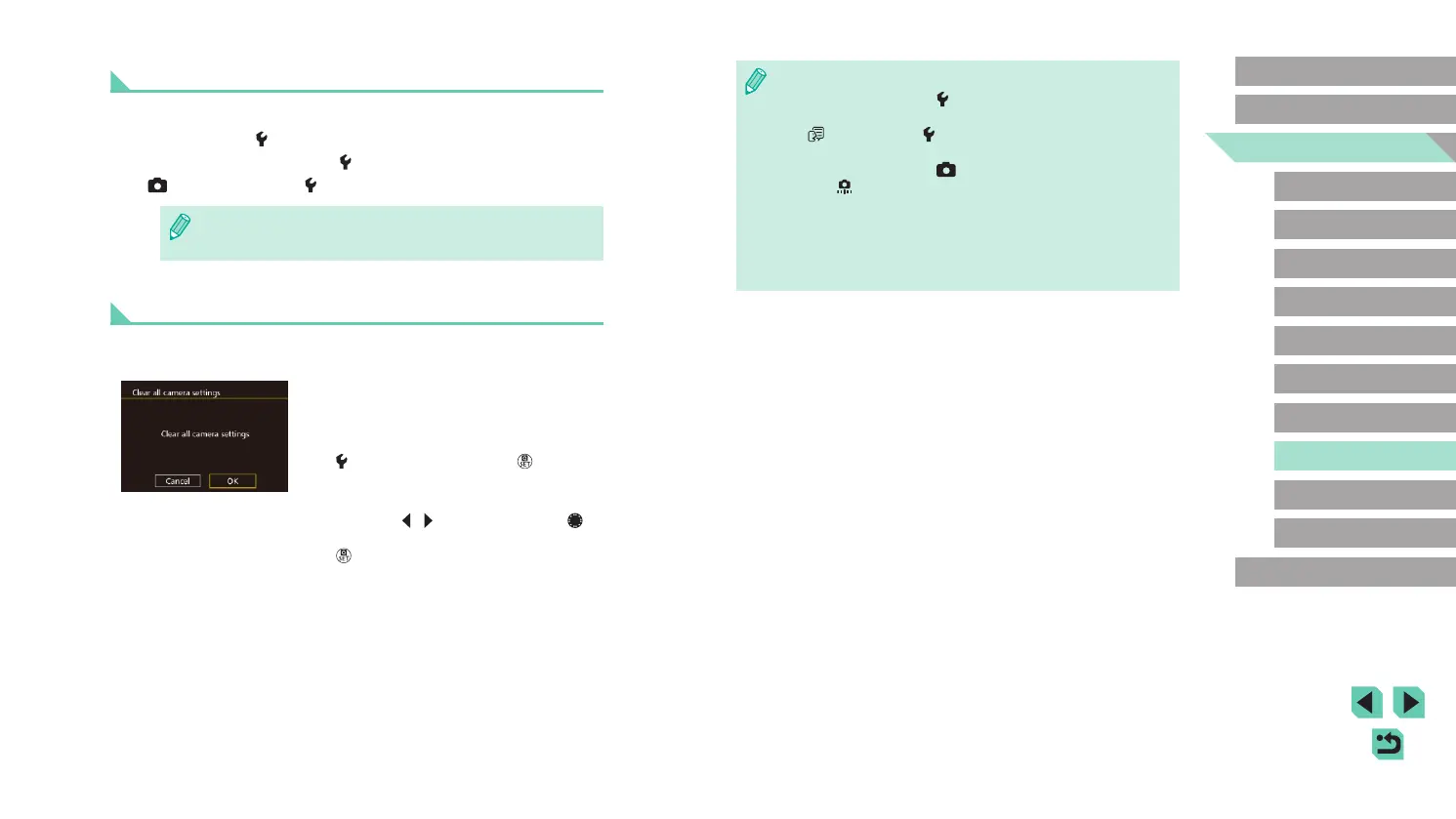
1
Access the [Clear all camera
settings] screen.
● Choose [Clear all camera settings] on the
[ 4] tab and then press the [ ] button.
2
Restore default settings.
● Press the [ ][ ] buttons or turn the [ ]
dial to choose [OK], and then press the
[ ] button.
● Default settings are now restored.















 To Next Page