82
Advanced Guide
Basic Guide
1
Camera Basics
2
Auto Mode /
Hybrid Auto Mode
3
Other Shooting Modes
Tv, Av, and M Mode
6
Playback Mode
7
Wi-Fi Functions
8
Set-Up Menu
9
Accessories
10
Appendix
Index
4
P Mode
5
Tv, Av, M, and C Modes
Before Use
Specic Shutter Speeds ([Tv]
Mode)
Still Images
Movies
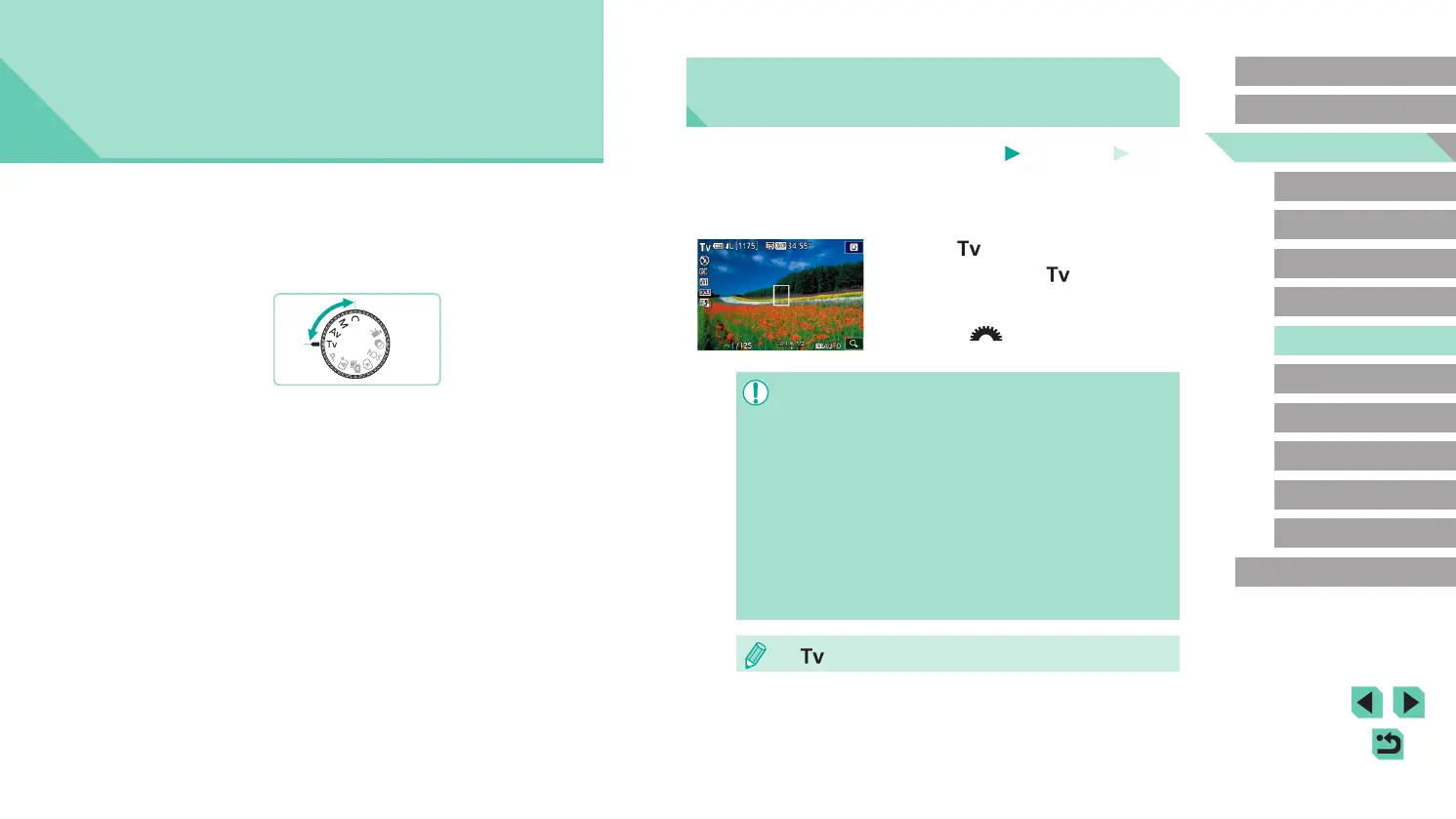
Set your preferred shutter speed before shooting as follows. The camera
automatically adjusts the aperture value to suit your shutter speed.
For details on available shutter speeds, see “Shutter” (
=
192).
1
Enter [ ] mode.
● Set the mode dial to [ ].
2
Set the shutter speed.
● Turn the [ ] dial to set the shutter
speed.
● If [Long exp. noise reduction] is set to [ON] or [AUTO] and
shooting is performed with a shutter speed of 1 second or slower,
there may be a delay before taking the next picture due to post-
shot noise reduction processing.
● When shooting at slow shutter speeds on a tripod, you should
turn off image stabilization (
=
78).
● Maximum shutter speed with the ash is 1/200 second. If you
specify a faster speed, the camera will automatically reset the
speed to 1/200 second before shooting.
● Orange display of aperture values when you press the shutter
button halfway indicates that the settings deviate from standard
exposure. Adjust the shutter speed until the aperture value is
displayed in white, or use safety shift (
=
88).
● [ ]: Time value
5
Tv, Av, M, and C Modes
Take smarter, more sophisticated shots, and customize the camera for
your shooting style
● Instructions in this chapter apply to the camera as set to the respective
mode.















 To Next Page