76
Advanced Guide
Basic Guide
1
Camera Basics
2
Auto Mode /
Hybrid Auto Mode
3
Other Shooting Modes
Tv, Av, and M Mode
6
Playback Mode
7
Wi-Fi Functions
8
Set-Up Menu
9
Accessories
10
Appendix
Index
4
P Mode
5
Tv, Av, M, and C Modes
Before Use
Shooting with the FE Lock
Still Images
Movies
Just as with the AE lock (
=
61), you can lock the exposure for ash
shots.
1
Raise the ash and set it to [ ]
(=
75).
2
Lock the ash exposure.
● Aim the camera at the subject to shoot
with the exposure locked, and then press
the [ ] button.
● The ash res, and when
[
] is displayed, the ash output level is
retained.
● Press the [
] button again to cancel and
remove the [ ] icon.
3
Compose the shot and shoot.
● FE: Flash Exposure
● While in FE lock, a circle in the center of the screen shows the
current metering range.
● If standard exposure is not achieved even after the ash res in
step 2, [
] ashes. Follow step 2 while the subject is within ash
range.
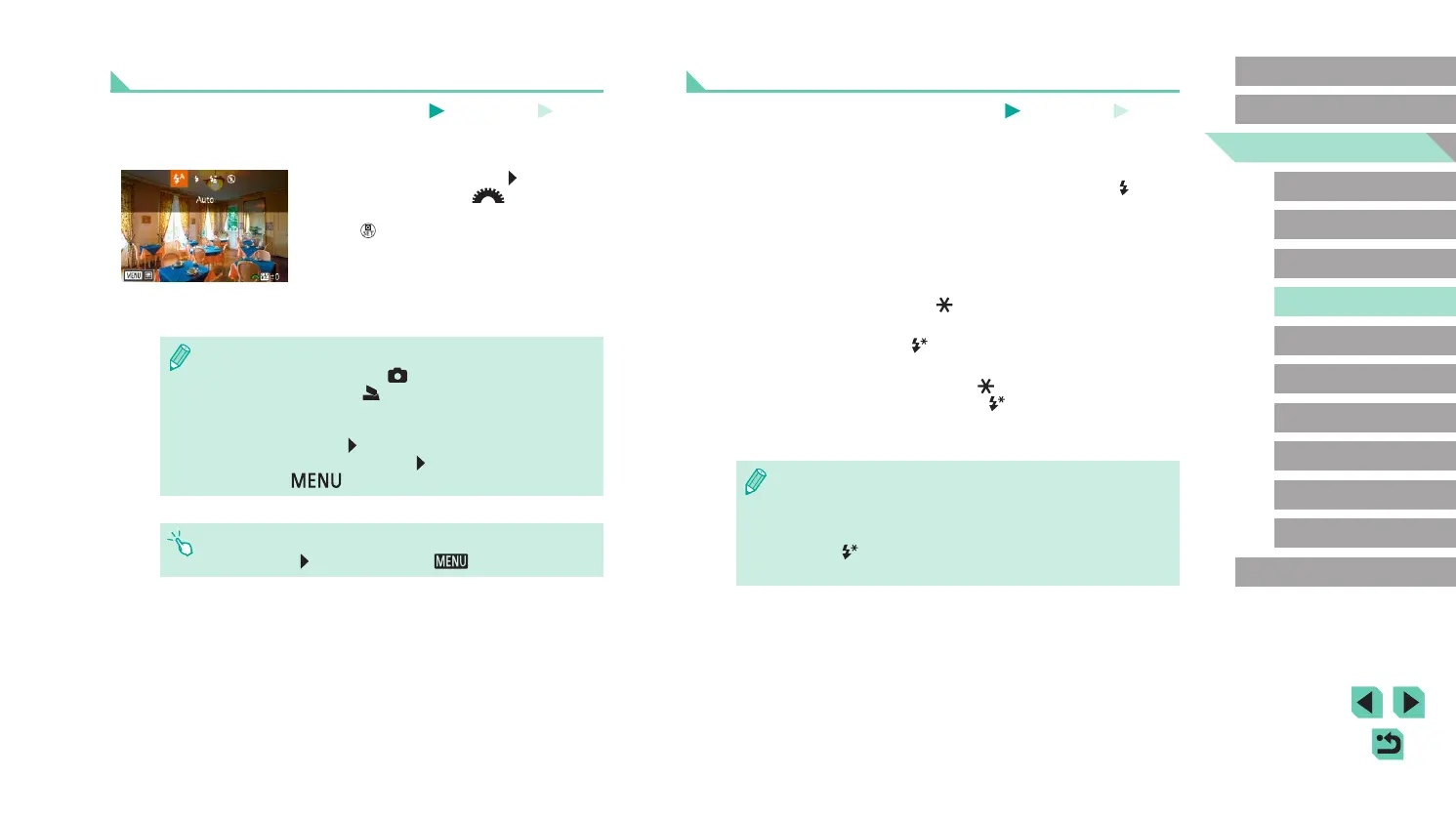
Adjusting the Flash Exposure Compensation
Still Images
Movies
Just as with regular exposure compensation (
=
61), you can adjust the
ash exposure from –2 to +2 stops, in 1/3-stop increments.
● Raise the ash, press the [
] button and
immediately turn the [ ] dial to choose
the compensation level, and then press
the [ ] button.
● The correction level you specied is now
displayed.
● You can congure the ash exposure compensation by accessing
MENU (
=
32) and choosing [ 3] tab > [Flash Control] >
[Built-in ash settings] > [
exp. comp.].
● You can also access the [Flash Control] screen (
=
32) as
follows.
- Press and hold the [
] button for at least one second.
- When the ash is up, press the [
] button and immediately
press the [
] button.
● You can also access the [Flash Control] screen (
=
32) by
pressing the [
] button and touching [ ].















 To Next Page