75
Advanced Guide
Basic Guide
1
Camera Basics
2
Auto Mode /
Hybrid Auto Mode
3
Other Shooting Modes
Tv, Av, and M Mode
6
Playback Mode
7
Wi-Fi Functions
8
Set-Up Menu
9
Accessories
10
Appendix
Index
4
P Mode
5
Tv, Av, M, and C Modes
Before Use
Auto
Fires automatically in low-light conditions.
On
Fires for each shot.
Slow Synchro
Fires to illuminate the main subject (such as people) while shooting at a
slower shutter speed to illuminate backgrounds out of ash range.
● In [ ] mode, mount the camera on a tripod or take other
measures to keep it still and prevent camera shake. Additionally,
you should turn off image stabilization when using a tripod or
other means to secure the camera (
=
78).
● In [
] mode, even after the ash res, ensure that the main
subject does not move until the shutter sound is nished playing.
Off
For shooting without the ash.
Flash
Changing the Flash Mode
Still Images
Movies
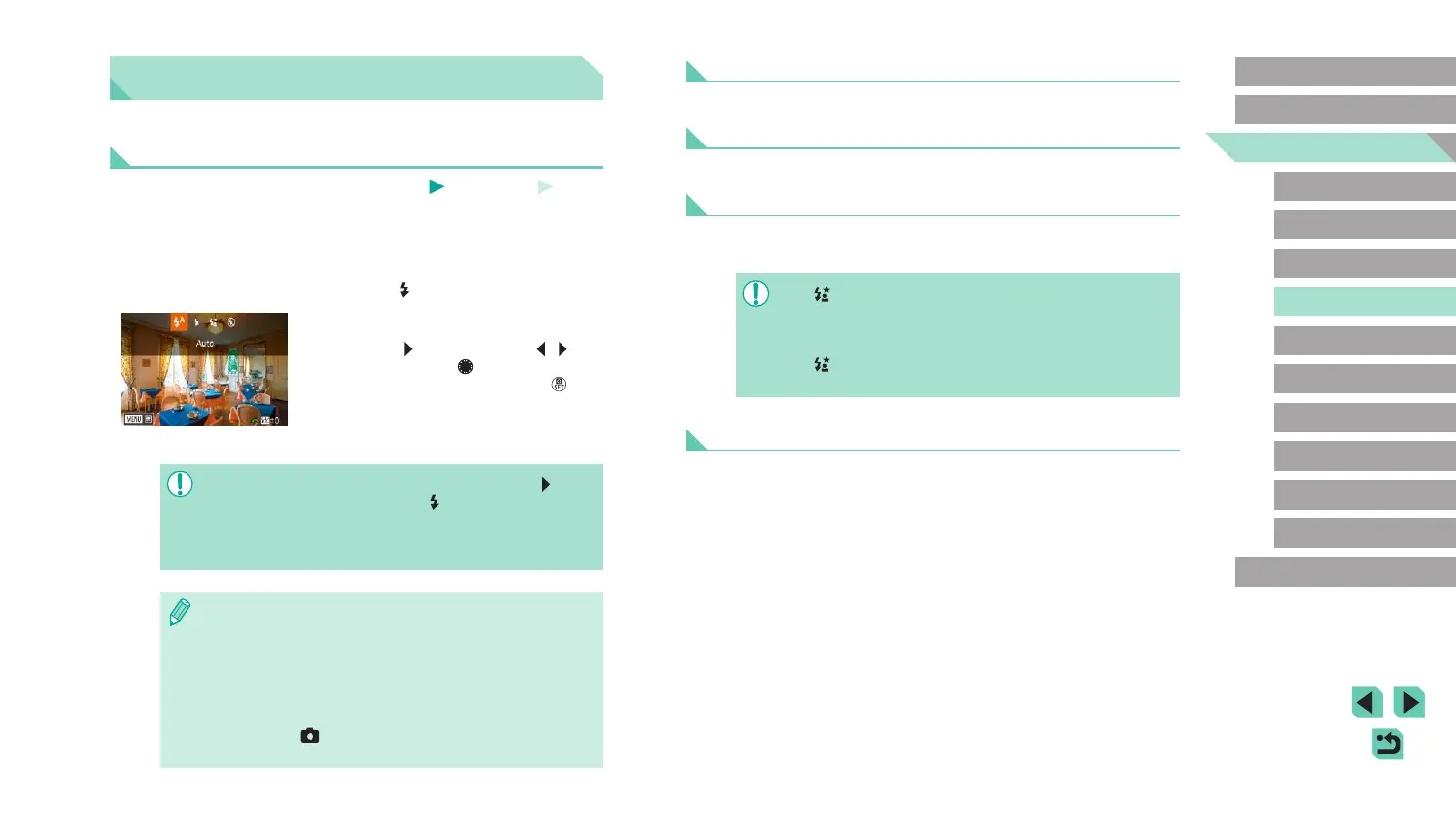
You can change the ash mode to match the shooting scene. For details
on the ash range, see “Internal Flash Range Guide” (
=
196).
1
Raise the ash.
● Move the [ ] switch.
2
Congure the setting.
● Press the [ ] button, press the [ ][ ]
buttons or turn the [ ] dial to choose
a ash mode, and then press the [ ]
button.
● The option you congured is now
displayed.
● The setting screen cannot be accessed by pressing the [ ] button
when the ash is lowered. Move the [
] switch to raise the ash
and then congure the setting.
● If the ash res, vignetting may occur. If the ash res, vignetting
may occur depending on the lens being used.
● When there is a risk of overexposure, the camera automatically
adjusts the shutter speed or ISO speed during the ash shots
to reduce washed-out highlights and shoot at optimal exposure.
For this reason, when shooting with the ash, the shutter speed
or ISO speed displayed when you pressed the shutter button
halfway, may not match the actual shoot setting.
● This can also be congured by going to the menu (
=
32),
choosing the [
3] tab, and selecting [Flash ring] in the [Flash
Control] option.















 To Next Page