35
Advanced Guide
Basic Guide
1
Camera Basics
2
Auto Mode /
Hybrid Auto Mode
3
Other Shooting Modes
Tv, Av, and M Mode
6
Playback Mode
7
Wi-Fi Functions
8
Set-Up Menu
9
Accessories
10
Appendix
Index
4
P Mode
5
Tv, Av, M, and C Modes
Before Use
Shooting with Camera-
Determined Settings
For fully automatic selection of the optimal settings for specic scenes,
simply let the camera determine the subject and shooting conditions.
Shooting (Scene Intelligent Auto)
Still Images
Movies
1
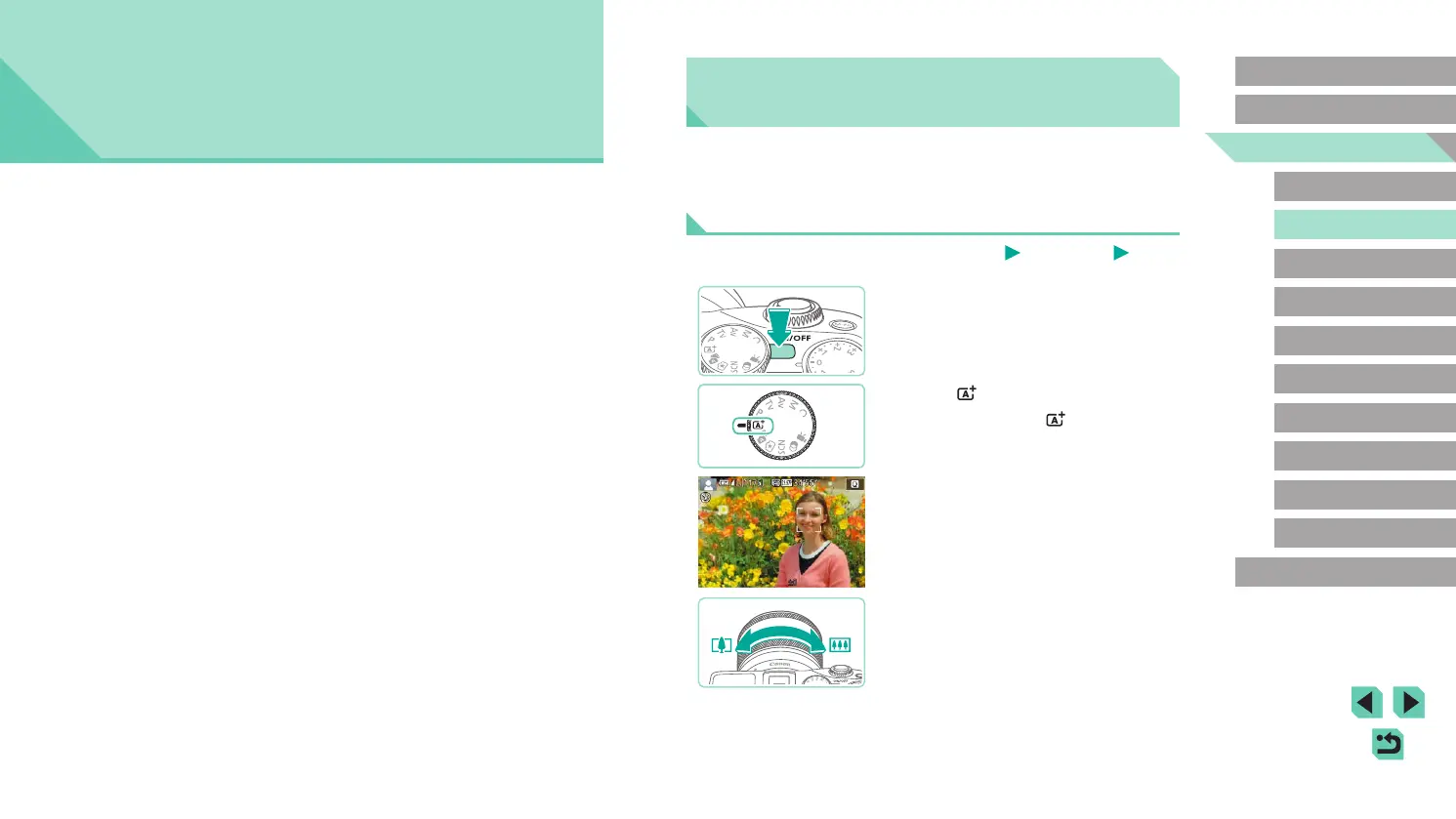
Turn the camera on.
● Press the power button.
2
Enter [ ] mode.
● Set the mode dial to [ ].
● A scene icon is displayed in the upper left
of the screen (
=
39).
● Frames are displayed around faces
and subjects that have been detected,
indicating that they are in focus.
3
Compose the shot.
● If your lens supports zooming, turn the
zoom ring on the lens with your ngers
to zoom.
2
Auto Mode / Hybrid Auto Mode
Convenient mode for easy shots with greater control over shooting















 To Next Page