52
Advanced Guide
Basic Guide
1
Camera Basics
2
Auto Mode /
Hybrid Auto Mode
3
Other Shooting Modes
Tv, Av, and M Mode
6
Playback Mode
7
Wi-Fi Functions
8
Set-Up Menu
9
Accessories
10
Appendix
Index
4
P Mode
5
Tv, Av, M, and C Modes
Before Use
Image Effects (Creative Filters)
Add a variety of effects to images when shooting.
1
Enter [ ] mode.
● Set the mode dial to [ ].
2
Choose a shooting mode.
● Press the [ ] button, choose [ ] in the
menu, and then choose a shooting mode
(
=
31).
3
Shoot.
● Subjects appear larger in [ ] mode compared to other modes.
● In [
] and [ ] modes, shots may look grainy because the ISO
speed (
=
62) is increased to suit the shooting conditions.
● Because the camera will shoot continuously in [
] mode, hold it
steady while shooting.
● In [
] mode, excessive motion blur or certain shooting conditions
may prevent you from obtaining the desired results.
● When you use a tripod for evening scenes, shooting in [ ] mode
instead of [
] mode will give better results (
=
35).
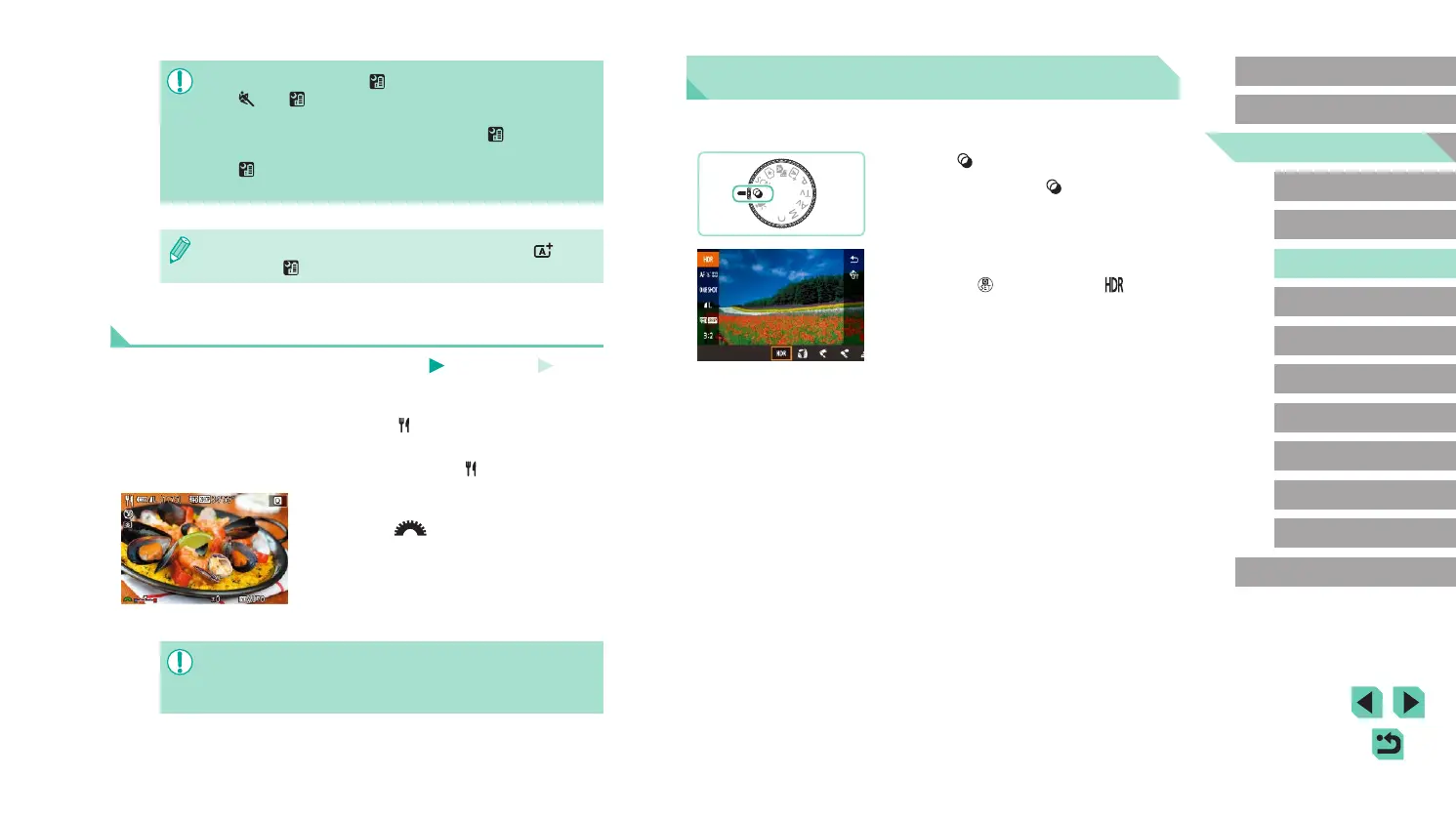
Taking Vivid Pictures of Food (Food)
Still Images
Movies
Any dish can look like a bright and colorful delight.
1
Choose [ ].
● Follow steps 1 – 2 in “Specic Scenes”
(
=
51) and choose [ ].
2
Change the color tone.
● Turn the [ ] dial to change color
tones.
3
Shoot.
● This mode may produce unsuitable color tones for human
subjects.
● If you use ash, the Tone setting will switch to standard.















 To Next Page