87
Advanced Guide
Basic Guide
1
Camera Basics
2
Auto Mode /
Hybrid Auto Mode
3
Other Shooting Modes
Tv, Av, and M Mode
6
Playback Mode
7
Wi-Fi Functions
8
Set-Up Menu
9
Accessories
10
Appendix
Index
4
P Mode
5
Tv, Av, M, and C Modes
Before Use
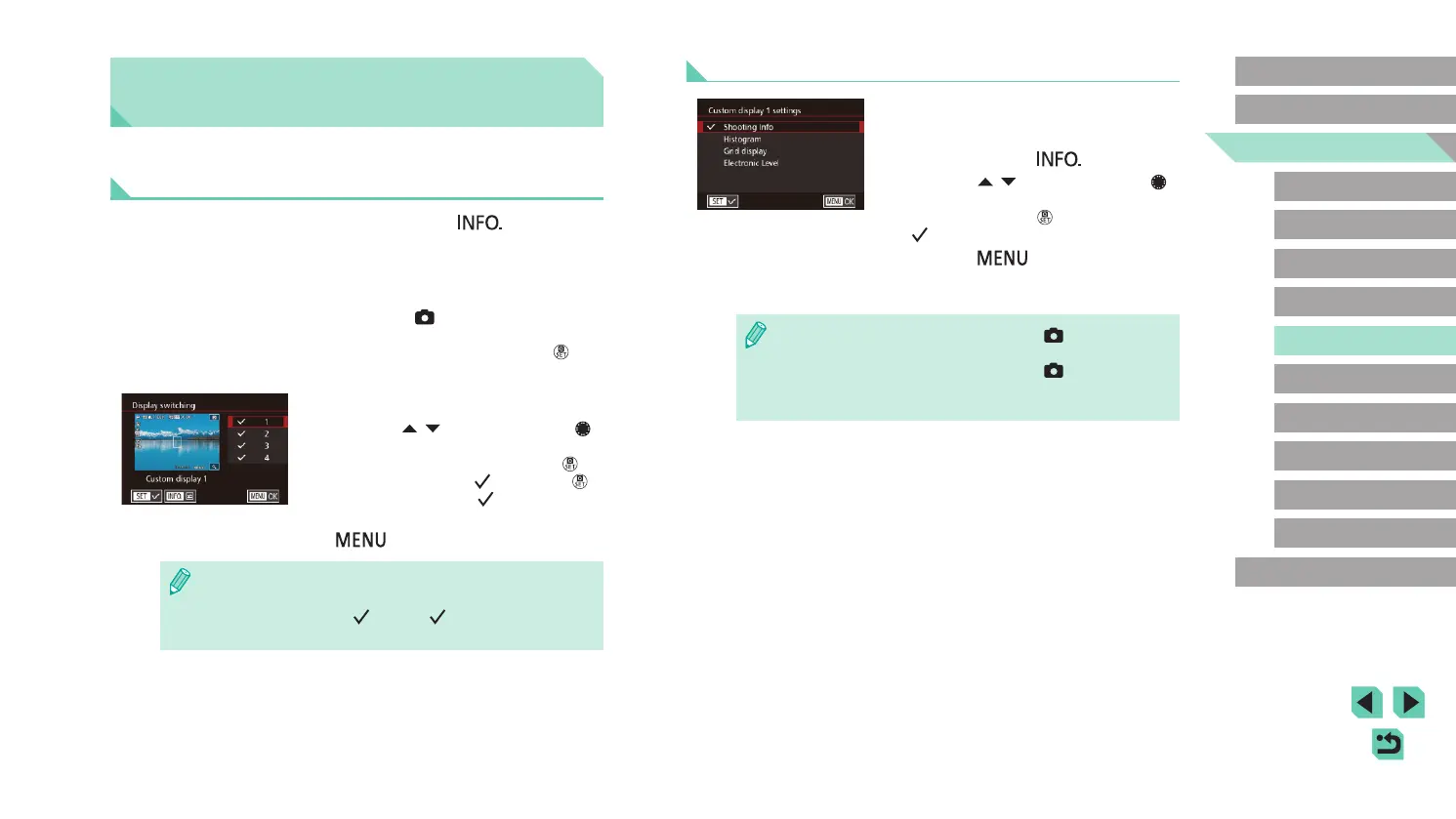
Customizing Displayed Data
● Follow steps 1 – 2 in “Customizing
Display Information” (
=
87) to select
[Custom display 1] or [Custom display 2]
and then press the [ ] button.
● Press the [
][ ] buttons or turn the [ ]
dial to choose the information to display
and then press the [ ] button to add a
[ ].
● Press the [
] button to return to the
[Display switching] screen and check the
resulting display.
● Go to [Shooting information display] on the [ 1] tab and choose
[Grid display] to change to a ner grid.
● Go to [Shooting information display] on the [
1] tab and choose
[Histogram] to change the displayed histogram from a brightness
histogram to an RGB histogram.
Customizing Controls and
Display
Customizing Display Information
You can dene which screens are shown when the [ ] button
is pressed in the shooting screen. You can also customize the data
displayed by the screens.
1
Access the setting screen.
● Choose the [ 1] tab, select [Shooting
information display], and then choose
[Display switching] and press the [ ]
button (
=
31).
2
Congure the settings.
● Press the [ ][ ] buttons or turn the [ ]
dial to choose the screens you do not
want displayed and then press the [ ]
button to remove the [ ]. Press the [ ]
button again to add a [ ].
● To return to the menu screen, press the
[
] button.
● Use the display sample on the left side of the screen to see what
your selected effect in step 2 will look like.
● You cannot remove all [
] or add a [ ] only to [INFO. Quick
Control].















 To Next Page