80
Advanced Guide
Basic Guide
1
Camera Basics
2
Auto Mode /
Hybrid Auto Mode
3
Other Shooting Modes
Tv, Av, and M Mode
6
Playback Mode
7
Wi-Fi Functions
8
Set-Up Menu
9
Accessories
10
Appendix
Index
4
P Mode
5
Tv, Av, M, and C Modes
Before Use
● Unexpected results may occur if there is signicant misalignment
in the image due to camera shake. Securing the camera with a
tripod or other means is recommended.
● If you shoot a moving subject, the subject’s movement may leave
afterimages or the surrounding area of the subject may become
dark.
● Depending on shooting conditions, noise may appear on the
image periphery.
● This cannot be used with AEB, [Long exp. noise reduction], during
RAW image shooting, or bulb shooting. If any of these is already
in use, [Multi Shot Noise Reduction] will not be available.
● Flash shooting is not possible.
● Recording the image to the card will take longer than with normal
shooting. You cannot take another picture until processing is
completed.
Changing the Noise Reduction Level
Still Images
Movies
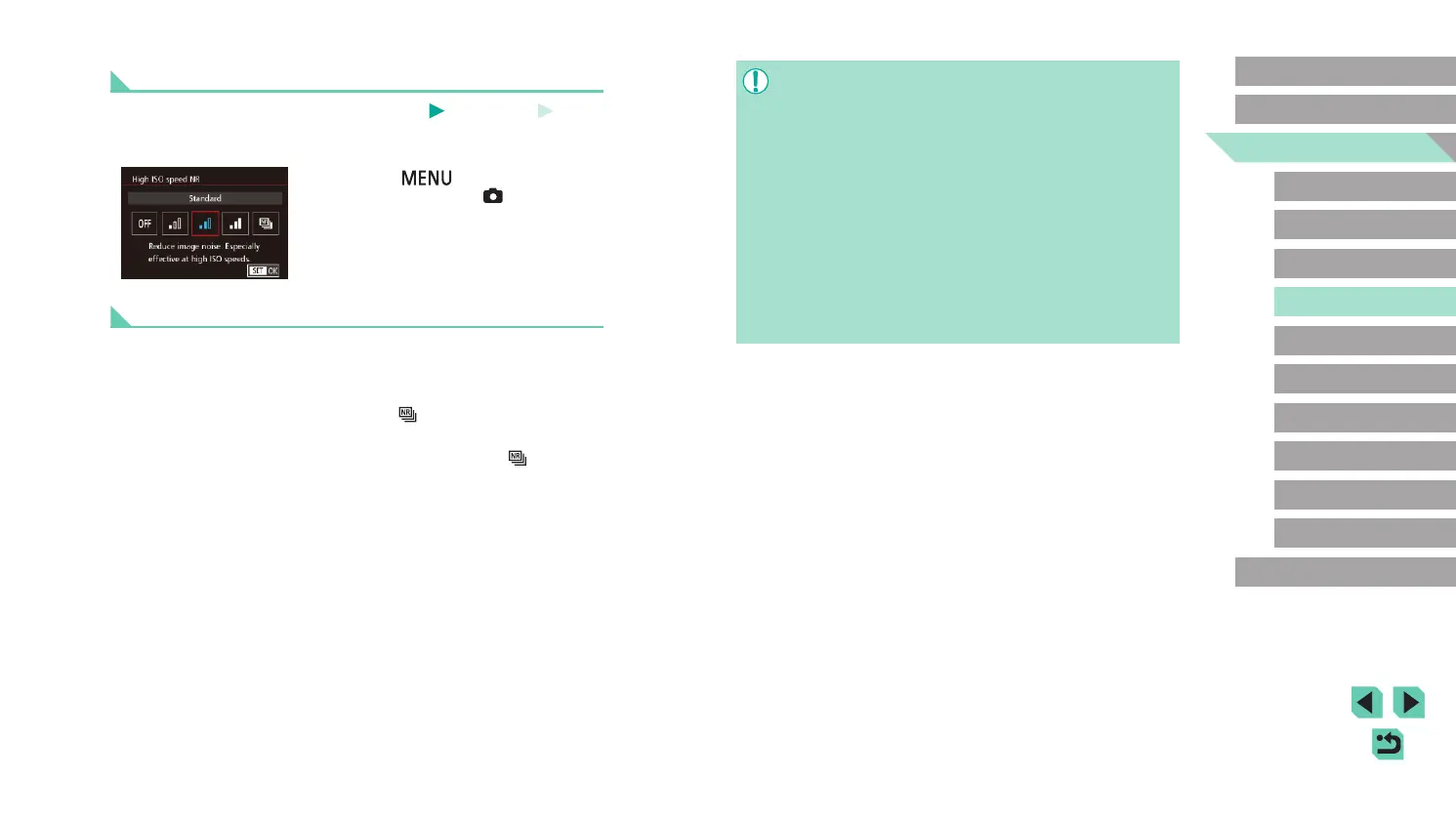
You can choose from 3 levels of noise reduction: [Standard], [High], [Low].
This is particularly effective when shooting at high ISO speeds.
● Press the [
] button, choose [High
ISO speed NR] on the [ 4] tab, and
then choose the desired option (
=
32).
Using Multi Shot Noise Reduction
The camera can automatically shoot four pictures in a single shot and
combine the images to provide high-quality noise reduction, better than
the [High] selection for [High ISO speed NR].
1
Choose [ ].
● Follow the steps in “Changing Noise
Reduction Level” to select [ ].
2
Shoot.
● Press the shutter button all the way
down. The camera will take four pictures
and combine them, so keep your hands
steady while shooting.















 To Next Page