37
Advanced Guide
Basic Guide
1
Camera Basics
2
Auto Mode /
Hybrid Auto Mode
3
Other Shooting Modes
Tv, Av, and M Mode
6
Playback Mode
7
Wi-Fi Functions
8
Set-Up Menu
9
Accessories
10
Appendix
Index
4
P Mode
5
Tv, Av, M, and C Modes
Before Use
● The quality of digest movies is [ ] (in NTSC) or
[
] (in PAL). This is dependent on your video format
settings (
=
139).
● Sounds are not played when you press the shutter button halfway
or trigger the self-timer.
● Digest movies are saved as separate movie les in the following
cases even if they were recorded on the same day in [
] mode.
- The digest movie le size reaches approximately 4 GB, or the
total recording time reaches approximately 13 minutes and 20
seconds.
- The digest movie is protected (
=
102).
- Daylight saving time (
=
18), video system (
=
139), time
zone settings (
=
141) or copyright information (
=
144) are
changed.
- A new folder is created (
=
137).
● Recorded shutter sounds cannot be modied or erased.
● If you prefer to record digest movies without still images, adjust
the setting in advance. Choose MENU (
=
32) > [ 4] tab >
[Digest Type] > [No Stills] (
=
32).
● Individual chapters can be edited (
=
114).
Digest Movie Playback
Display a still image shot in [ ] mode to play the digest movie created
on the same day, or specify the date of the digest movie to play (
=
96).
Still Images/Movies
● If the camera is turned on while the [ ] button is held
down, the camera will no longer sound. To activate sounds again,
press the [
] button and choose [Beep] on the [ 3] tab,
and then press the [
][ ] buttons to choose [On].
Shooting in Hybrid Auto Mode
Still Images
Movies
You can make a short movie of the day just by shooting still images. The
camera records 2 – 4-second clips of scenes before each shot, which are
later combined in a digest movie.
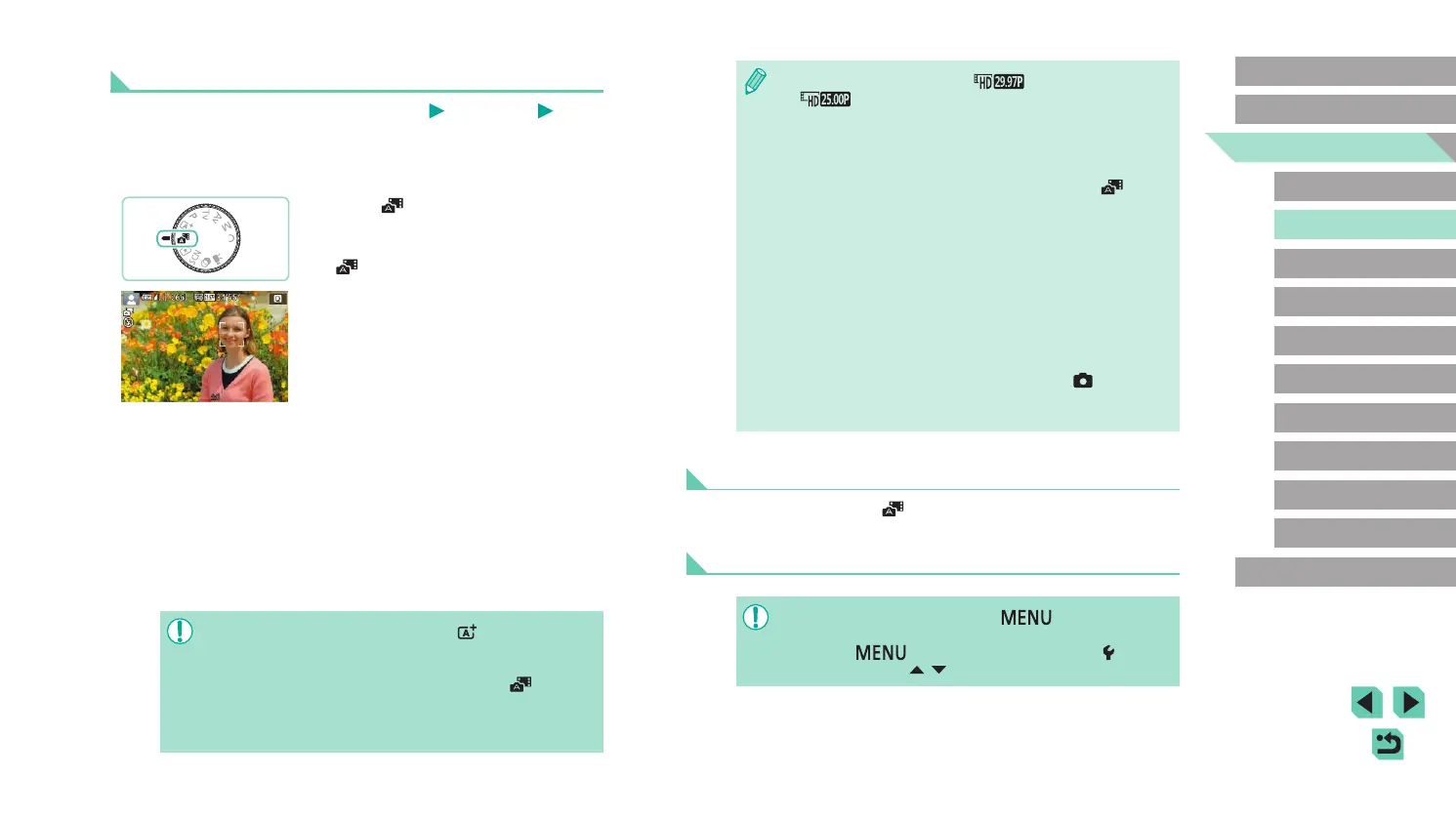
1
Enter [ ] mode.
● Follow step 2 in “Shooting (Scene
Intelligent Auto)” (
=
35), and choose
[ ].
2
Compose the shot.
● Follow steps 3 – 4 in “Shooting (Scene
Intelligent Auto)” (
=
35) to compose
the shot and focus.
● For more impressive digest movies,
aim the camera at subjects about four
seconds before shooting still images.
3
Shoot.
● Follow step 4 in “Shooting (Scene
Intelligent Auto)” (
=
36) to shoot a still
image.
● The camera records both a still image
and movie clip. The clip, which ends with
the still image and a shutter sound, forms
a single chapter in the digest movie.
● Battery life is shorter in this mode than in [ ] mode, because
digest movies are recorded for each shot.
● A digest movie may not be recorded if you shoot a still image
immediately after turning the camera on, choosing [
] mode, or
operating the camera in other ways.
● Sounds and vibrations from operating the camera or lens will be
recorded in digest movies.















 To Next Page